

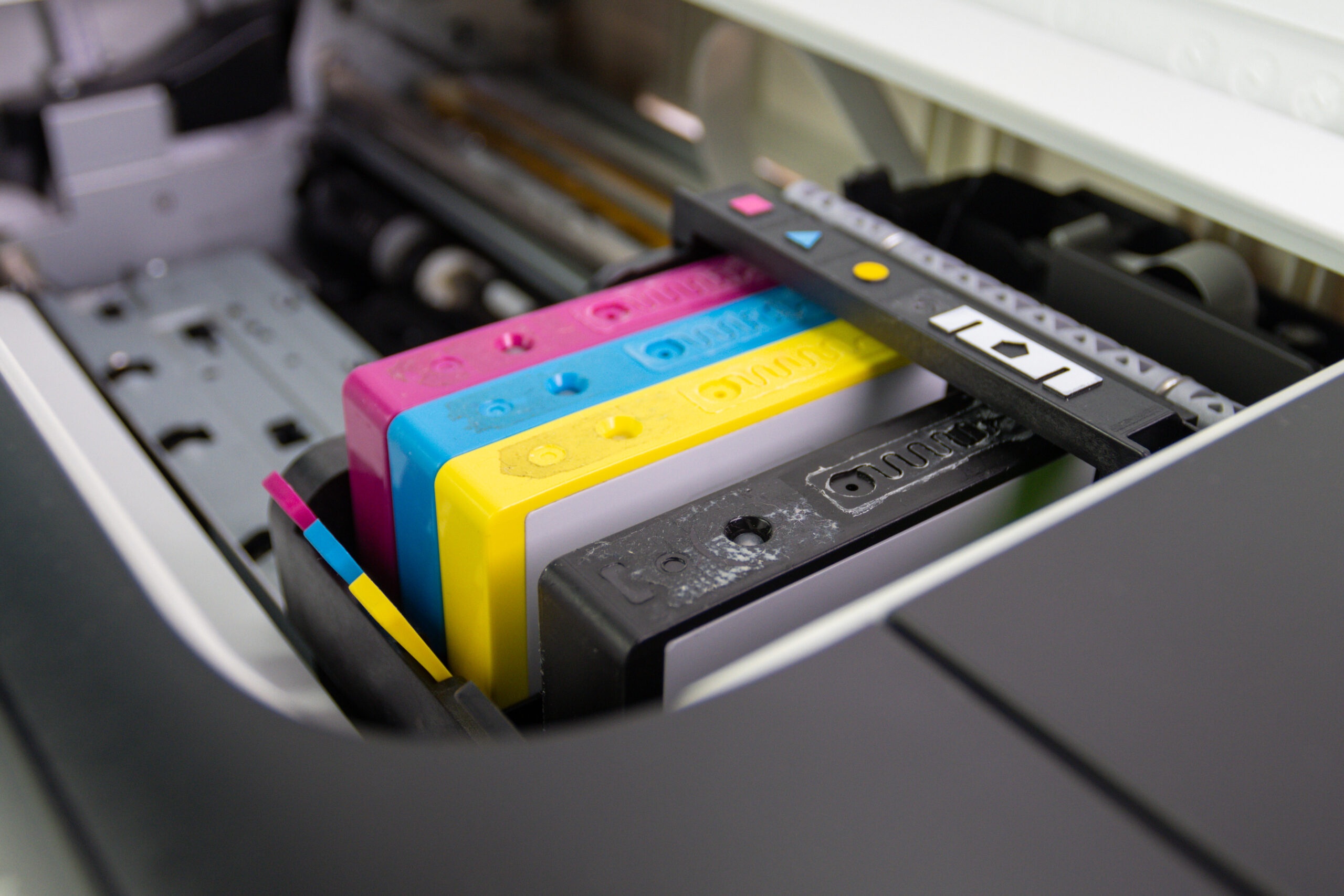
Replacing a printer cartridge sounds like one of those tiny jobs you can knock out in 2 minutes. Then ink ends up on your fingers, the desk, the printer lid, maybe your sleeve if luck is really off.
Anyone who has dealt with a leaking black cartridge knows the feeling. You go in expecting a quick swap and come out looking like you lost a fight with a marker factory.
Good news, though: most cartridge spills happen for a handful of predictable reasons. Rushing, pulling the wrong part, tilting the cartridge too much, squeezing it without realizing, or working over a surface that gives you no margin for error. Once you know where the mess usually starts, the whole process gets a lot easier.
Why Ink Spills Happen in the First Place
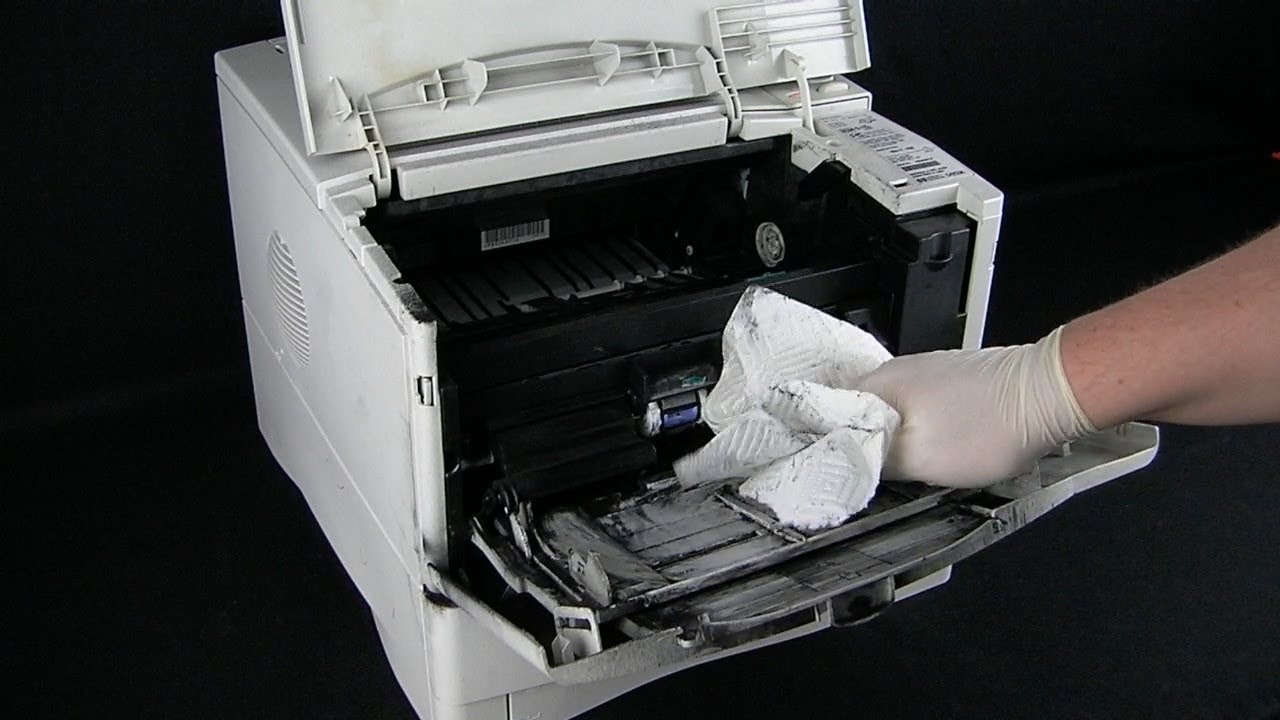
Ink cartridges are sealed, but they are not indestructible. They contain liquid ink, vent points, contact areas, packaging clips, protective tape, and in some designs a printhead section that can stay wet even when the cartridge is brand new.
A spill usually starts in one of a few ways:
- The cartridge gets shaken or squeezed
- Protective tape is removed too early
- The cartridge is set down on the wrong side
- A used cartridge still has wet ink around the nozzle
- Hands pull on the wrong tab or pinch the wrong area
- The printer owner tries to force the cartridge into place
A lot of people assume the mess begins when something is defective. Sometimes that’s true. More often, honestly, it starts with handling.
Set Up the Area Before You Open Anything
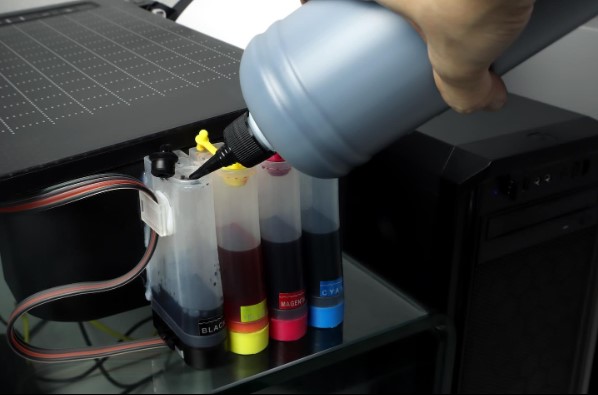
Most ink stains get worse because the person changing the cartridge has nowhere safe to put anything down. That part matters more than people think.
Before you open the printer, set up a small work zone. Anyone replacing hp printer cartridges should set up the area first, because a flat, stable surface and a protected workspace reduce the odds of smears and drips.
Keep these items nearby
- Paper towels or lint-free cloths
- Disposable gloves
- A small trash bag
- The new cartridge, still sealed
- A sheet of scrap paper or old newspaper
- The printer manual or model instructions if the printer is unfamiliar
Put the paper towels under the work area before you start. If a drip happens, you want it landing somewhere disposable, not directly on wood, fabric, or a stack of important papers.
A simple setup table
| Item | Why it helps |
| Gloves | Keeps ink off skin and reduces panic if a cartridge is damp |
| Paper towels | Catches drips and gives you a safe place to rest a used cartridge |
| Scrap paper or newspaper | Protects the desk or counter |
| Trash bag | Makes it easy to discard tape, wrappers, and stained towels quickly |
| Manual or quick-start guide | Helps avoid pulling the wrong latch or cover |
Wash and Dry Your Hands First
Dirty or damp hands make a messy job messier. Moisture can make surfaces slippery, and oily fingers can transfer grime to the cartridge contacts.
Wash your hands, dry them fully, then put on gloves if you have them. Nitrile gloves are ideal because they fit closely and do not soak through fast. Loose kitchen gloves can work in a pinch, though they make small cartridge clips harder to handle.
If you hate gloves, fair enough. Keep a folded paper towel in one hand so you have something clean to grip with if needed.
Never Rush the Packaging
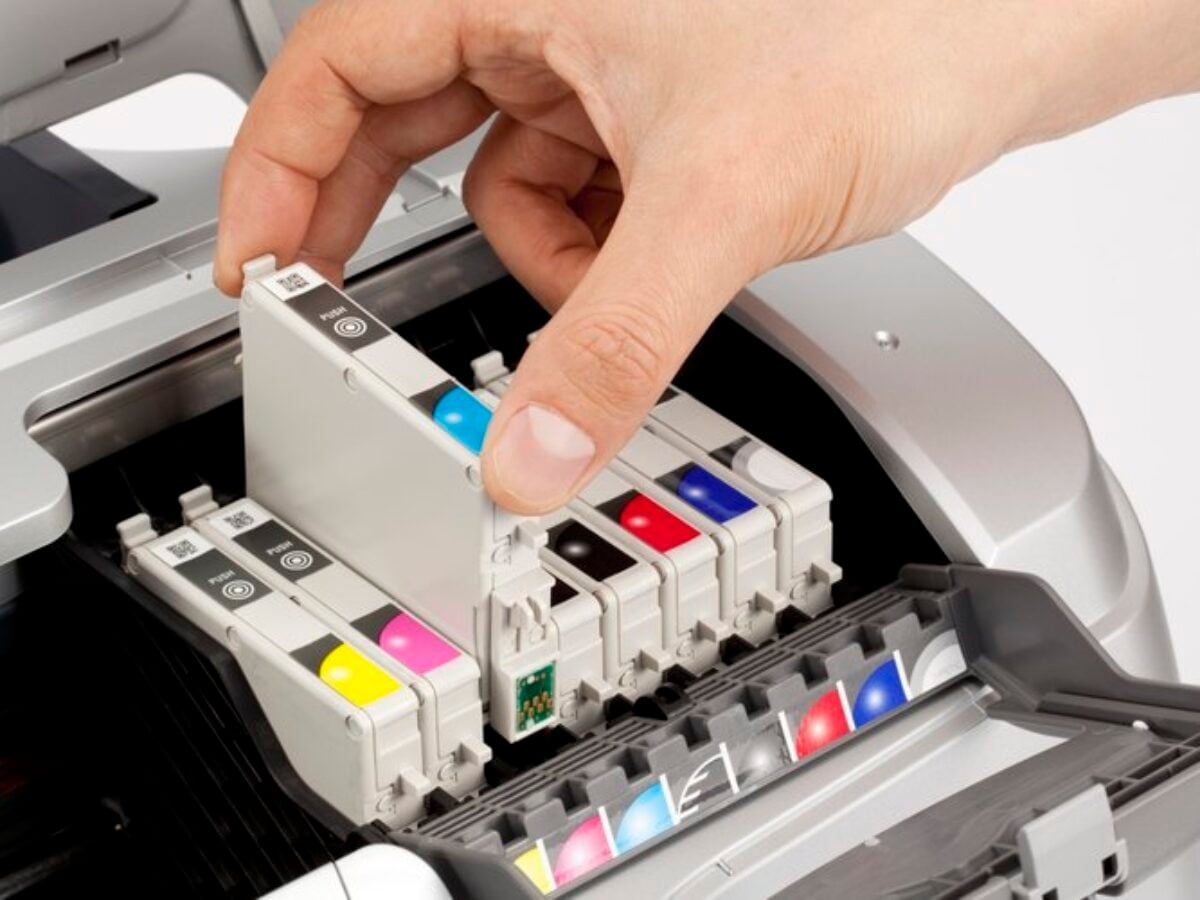
Brand-new cartridges usually come packed with more protection than people expect. Plastic shell, foil pouch, orange tab, yellow tape, molded clip, protective cap, maybe even a cardboard cradle. Every piece has a job.
One of the easiest ways to cause a spill is to remove packaging in the wrong order.
A safer sequence
- Open the outer box.
- Place the sealed cartridge on the protected work surface.
- Open the pouch only when the printer is ready for installation.
- Hold the cartridge by the sides.
- Remove tape, cap, or clip only when you are seconds away from inserting it.
Do not open the cartridge and then wander off to answer a message or make coffee. Once the protective parts come off, the clock starts. Ink may not pour out, but exposed areas can get messy fast if the cartridge gets bumped or set down poorly.
Hold the Cartridge the Right Way
A lot of spill prevention comes down to grip. Cartridges are not meant to be handled like TV remotes. Pinching random spots is how ink gets pushed where it should not go.
Hold the cartridge by the plastic sidewalls. Avoid:
- The copper contacts
- The nozzle plate
- The printhead area
- Any vent opening
- Flexible plastic sections that can compress
If the cartridge looks slightly wet near the bottom, do not squeeze it to “check.” That move causes more trouble than it solves. Blot lightly with a paper towel and keep the cartridge upright.
Keep the Cartridge Upright as Much as Possible
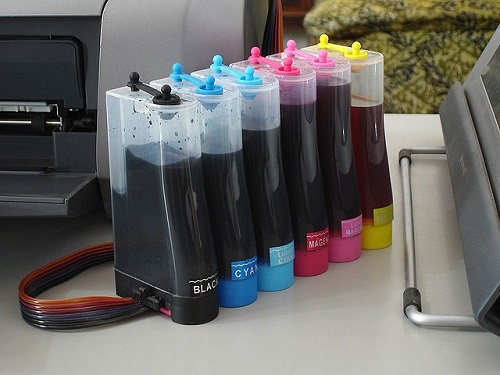
Some cartridges tolerate a little tilting. Many do not appreciate being flipped, swung around, or waved through the air while someone tries to read the label.
Try to keep both old and new cartridges upright from the moment they leave their slot.
Here’s the easy rule: if ink could logically settle toward an opening, keep that opening higher than the rest of the cartridge.
It sounds obvious, yeah, but a lot of messy swaps happen because someone removes a used cartridge and immediately lays it flat on the desk. Used cartridges often have residual ink around the nozzle. Flat placement gives that ink a chance to smear.
Remove the Old Cartridge Carefully
Used cartridges deserve just as much caution as new ones. Sometimes more.
Open the printer access door and wait for the carriage to stop moving. Do not grab inside while parts are still sliding into position. Once the carriage is centered and still, release the cartridge latch gently.
When the old cartridge comes out:
- Pull slowly
- Keep it level
- Rest it on a folded paper towel with the nozzle side up or according to the manual
- Do not toss it directly into an open bin where it can hit other objects and leak more
If the old cartridge looks swollen, cracked, or unusually wet, seal it in a plastic bag right away.
Do Not Touch the Tempting Parts
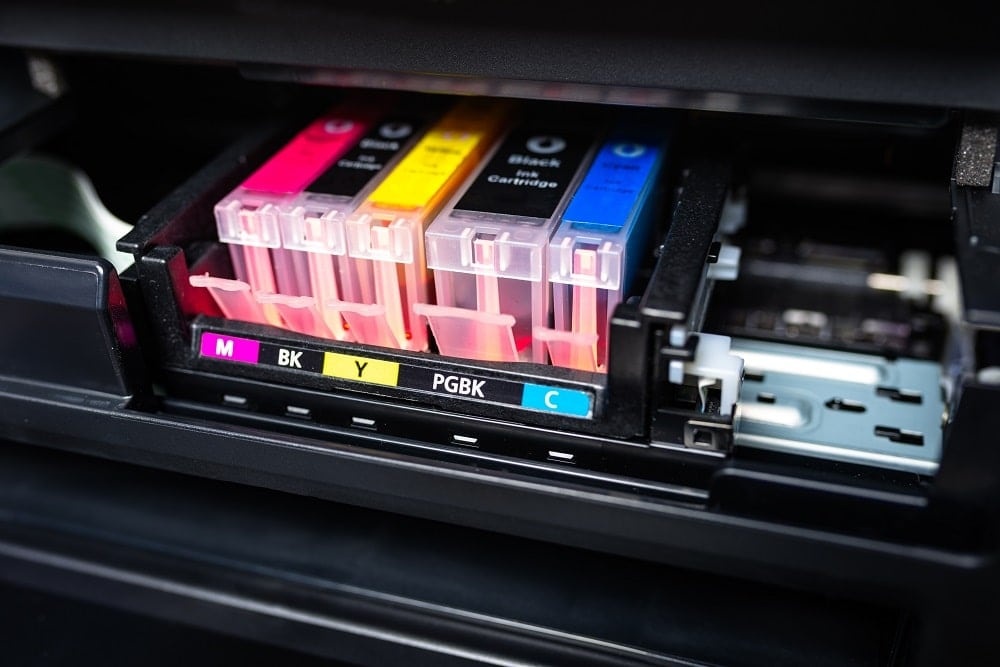
Every cartridge has a few spots that seem harmless to touch. They are not.
Areas to avoid
- Metal contacts
- Ink nozzles
- Printhead surfaces
- Vent holes
- Sponge or foam openings in refill-style designs
Touching those areas can do two bad things at once. It can smear ink onto your hands and reduce print quality after installation.
Insert the New Cartridge Without Forcing It
A cartridge should click or seat with gentle, guided pressure. If you feel resistance, stop and recheck the model number, orientation, and whether any tape or cap is still attached.
Forcing a cartridge is a classic path to broken clips and sudden ink transfer. If your thumb is turning white from pressure, something is wrong.
A calm install usually looks like:
- Align the cartridge with the rails or slot
- Slide it in evenly
- Press only where the manufacturer indicates
- Listen for the click
- Close the latch without slamming it
Once installed, close the printer access door and let the machine run its setup or alignment cycle.
What to Do if Ink Gets on Your Hands or Desk
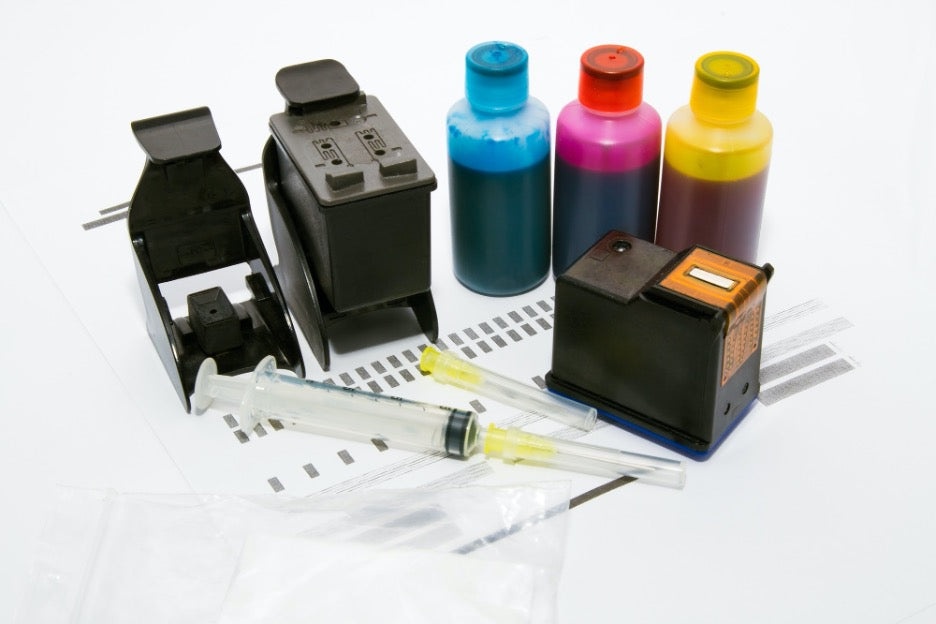
Even with good technique, minor smears happen. No need to make it dramatic.
For skin
- Wipe off fresh ink with a dry paper towel first
- Wash with soap and warm water
- Use dish soap if the stain hangs on
- Avoid harsh scrubbing that irritates skin
A little rubbing alcohol on a cotton pad can help with stubborn marks, but use it sparingly.
For hard surfaces
- Blot, do not smear
- Use a damp cloth with mild soap
- Follow with a clean dry cloth
- Test cleaners on a hidden spot first if the surface is delicate
For clothing
- Blot immediately
- Rinse from the back of the fabric if possible
- Pretreat with laundry detergent
- Wash before the stain dries fully
Dry heat sets ink. So if a shirt gets hit, skip the dryer until the mark is gone.
Smart Habits That Prevent Future Messes
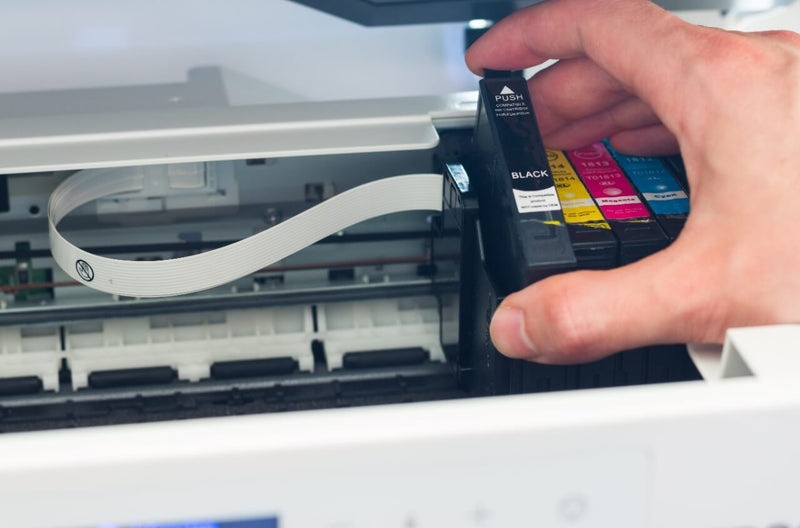
A clean cartridge swap is usually less about skill and more about routine. Once you build a good pattern, spills become rare.
Habits worth keeping
- Store spare cartridges in a cool, dry place
- Keep cartridges in original packaging until needed
- Replace one cartridge at a time
- Avoid changing cartridges over carpet or fabric chairs
- Read printer prompts fully instead of guessing
- Keep a small “printer mess kit” in a drawer
A simple kit with gloves, towels, and a plastic bag can save a lot of annoyance later.
When a Cartridge May Be Defective
Sometimes the problem is not you. A cartridge may be damaged if you notice:
- visible cracks
- leaking inside sealed packaging
- warped plastic
- unusually heavy wetness around the nozzle
- ink in places that should be dry before installation
At that point, stop using it. Repack it if possible, photograph the condition, and contact the seller or manufacturer.
Final Thoughts
Ink spills during cartridge replacement are common, but they are usually preventable. A protected surface, dry hands, careful grip, and slower pacing do most of the heavy lifting. Nothing fancy, just solid handling.
Also read: Digital printing vs. Offset printing
Treat the cartridge like a small liquid component instead of a chunk of plastic, and the whole job gets cleaner fast.