

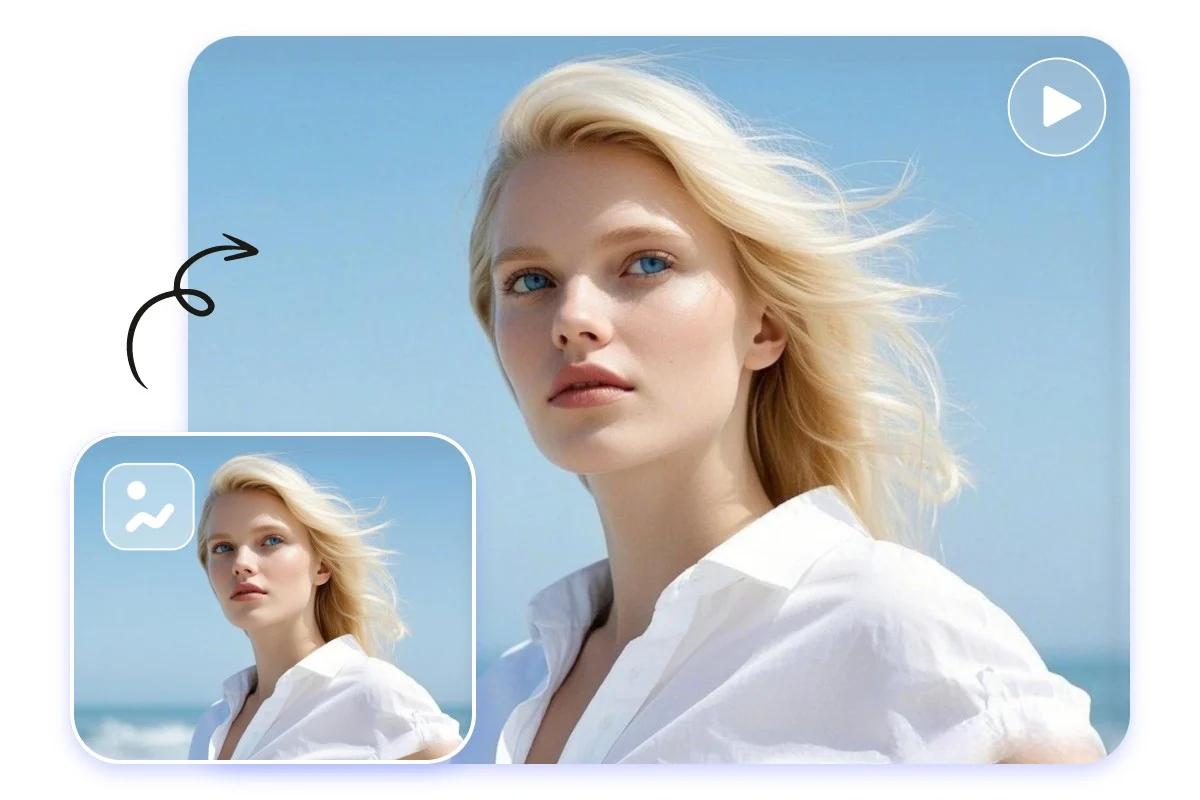
Generative video has moved fast, almost awkwardly fast. A year ago, most people were still reacting to text-to-video clips that looked impressive for 3 seconds and then drifted into visual nonsense. Now the conversation is shifting toward something far more useful: video-to-video AI.
That shift matters. Instead of asking a model to invent a scene from scratch, creators can feed it existing footage and guide how that footage changes. In practice, that opens the door to sharper control, smoother workflows, and results that feel more grounded in real motion, real timing, and real human performance.
What Video-to-Video AI Actually Means
At its core, video-to-video AI takes an existing video as the starting point and transforms it into something new. The system keeps important structure from the source clip, then applies changes based on prompts, reference styles, motion cues, or other controls.
A creator might start with:
- a person walking through a city street
- a dancer performing in a studio
- a product shot filmed on a phone
- a talking-head video for social content
From there, the model can restyle the scene, change the environment, alter lighting, replace textures, add cinematic mood, or push the footage toward animation, fantasy, fashion, or branded visual design.
Text-to-video says, “generate a scene.”
Video to video says, “use my scene, then reshape it.”
That difference is huge for anyone who cares about timing, framing, body movement, or continuity.
View this post on Instagram
Why It Feels Like the Next Real Step
Text-to-video made headlines because it looked magical. Video-to-video feels more practical. And in creative work, practical usually wins.
When you already have footage, a lot of the hard work is done:
|
Element already captured |
Why it matters |
| Camera angle | Keeps composition consistent |
| Human motion | Preserves believable movement |
| Timing | Helps edits land naturally |
| Facial rhythm | Makes performance feel more real |
| Physical space | Gives the model a solid structure |
A good way to think about it is Pilates form. In a full-body routine, alignment comes first. If the body is moving from a stable base, the session flows better, and every repetition makes more sense.
Video to video AI works in a similar way. The original clip acts like alignment. The model is no longer guessing every frame from nothing. It is working with a body that already knows where it is going.
That usually leads to output that feels more coherent.
Where Video-to-Video AI Shines Most
Not every use case needs it. Some do.
Stylized marketing content
Brands already have product footage, campaign clips, and short-form ads. Video-to-video AI can turn one shoot into multiple visual treatments without rebuilding the whole production from zero.
A single sneaker video can become:
- a neon sci-fi ad
- a luxury editorial cut
- a comic-book style reel
- a weathered streetwear visual
- a holiday campaign variant
Music videos and dance content
Movement-heavy footage benefits from source-based generation because timing matters so much. A dancer’s body lines, pacing, and transitions are already present in the clip. That gives the model a better chance of keeping rhythm intact.
@artlist.io Get AI tools built for video creators, and the highest-quality creative assets — only on Artlist.
Film previsualization
Directors and creative teams can test mood, production design, or genre direction using rough footage before committing to full-scale post-production.
Creator content at scale
A solo creator with a phone camera and decent lighting can produce multiple content versions from one take. That lowers the barrier in a very real way.
Why Creators Like the Extra Control
A big complaint around early generative video was unpredictability. You typed a prompt, crossed your fingers, and hoped the model behaved.
Video-to-video AI gives creators more handles to grab.
Control over motion
Motion is often the weakest point in synthetic video. Existing footage helps anchor body mechanics, camera movement, and spatial relationships.
Control over identity and performance
If the source clip includes a person, the result often keeps more of their gesture pattern, pacing, and physical presence. For influencers, educators, performers, and presenters, that matters a lot.
Control over editing decisions
Creators can choose the exact shot, frame range, and action beat they want to transform. That is far more useful than generating random scenes and hoping one fits the timeline.
What Still Goes Wrong
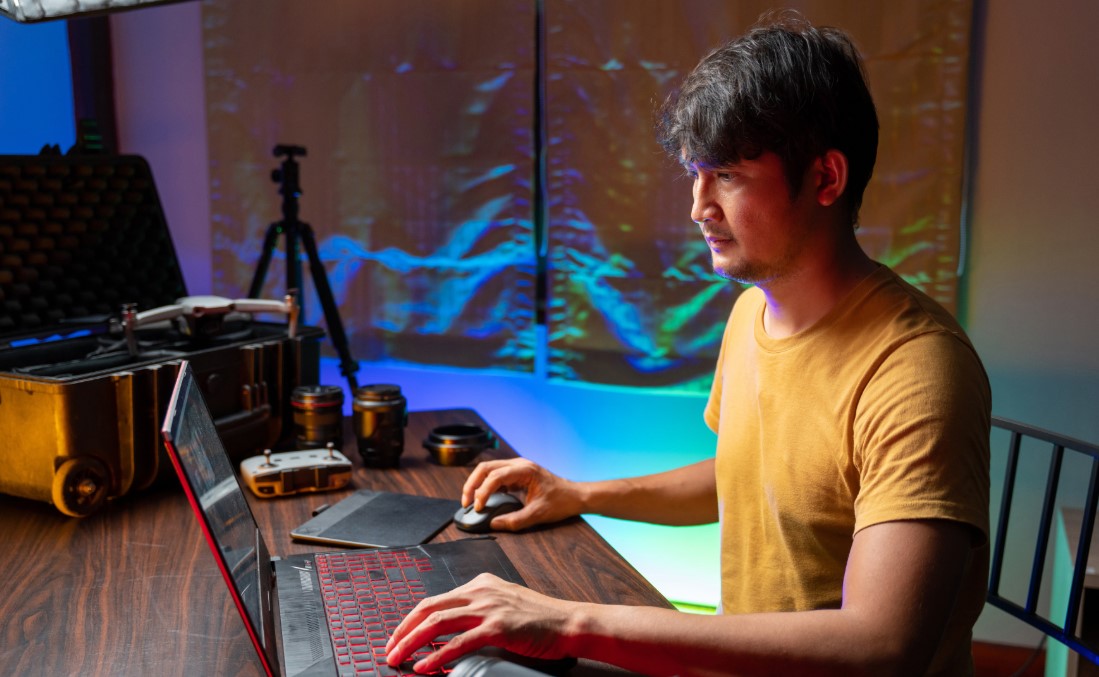
No point pretending the tech is clean and effortless. It is not. Good output still depends on smart input.
Common problems include:
- faces drifting across frames
- hands warping during fast motion
- clothing details changing mid-shot
- backgrounds melting when the camera pans
- text and logos breaking apart
- objects appearing or disappearing without reason
A lot of frustration comes from giving the model footage that is too chaotic. Heavy motion blur, shaky handheld movement, cluttered backgrounds, and poor lighting all make transformation harder.
Think of it like coaching movement. If someone rushes through a full-body sequence with no control through the hips, shoulders, or breath, the final rep looks messy. Same story here. Clean footage gives the model cleaner patterns to work with.
How To Get Better Results
Start with simple clips
Use short shots with one clear action. A person turning toward the camera works better than a crowded street scene with five overlapping movements.
Keep the lighting readable
The model needs to “see” form. Flat or wildly inconsistent lighting often leads to unstable output.
Lock the camera when possible
Tripod shots or gentle controlled movement usually hold up better than frantic handheld footage.
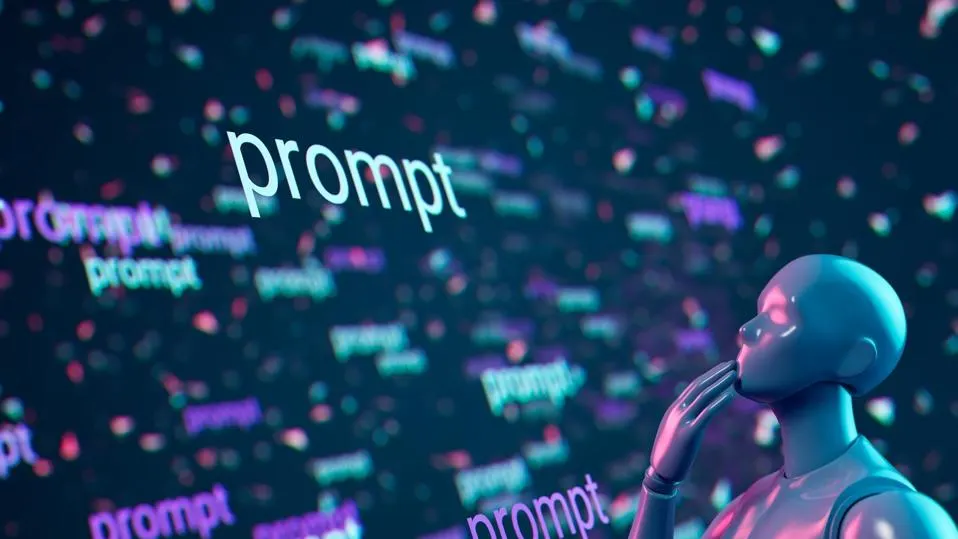
Be specific with prompts
“Make it cinematic” is weak.
“Turn the alley into a rainy neo-noir street with reflective pavement, sodium vapor glow, and slow drifting fog” gives the model more useful direction.
Work in passes
Do not expect one perfect render. Many creators get stronger results by iterating:
- choose the cleanest base clip
- test one style direction
- review frame consistency
- refine prompt wording
- rerun with tighter constraints
Save room for editing
AI output often improves when treated as one stage of the pipeline, not the whole pipeline. Color correction, sound design, reframing, speed adjustments, and selective cuts still matter.
Who Will Benefit Most
Small teams
Agencies, indie brands, and startup marketing teams can stretch one day of filming much further.
Social-first creators
TikTok, Reels, Shorts, and YouTube creators need fast visual variation. Video-to-video AI can help repurpose content without making every post feel identical.
Educators and explainers
A talking-head lesson can be turned into different visual worlds that match the topic or the audience without reshooting the speaker.
Post-production experimenters
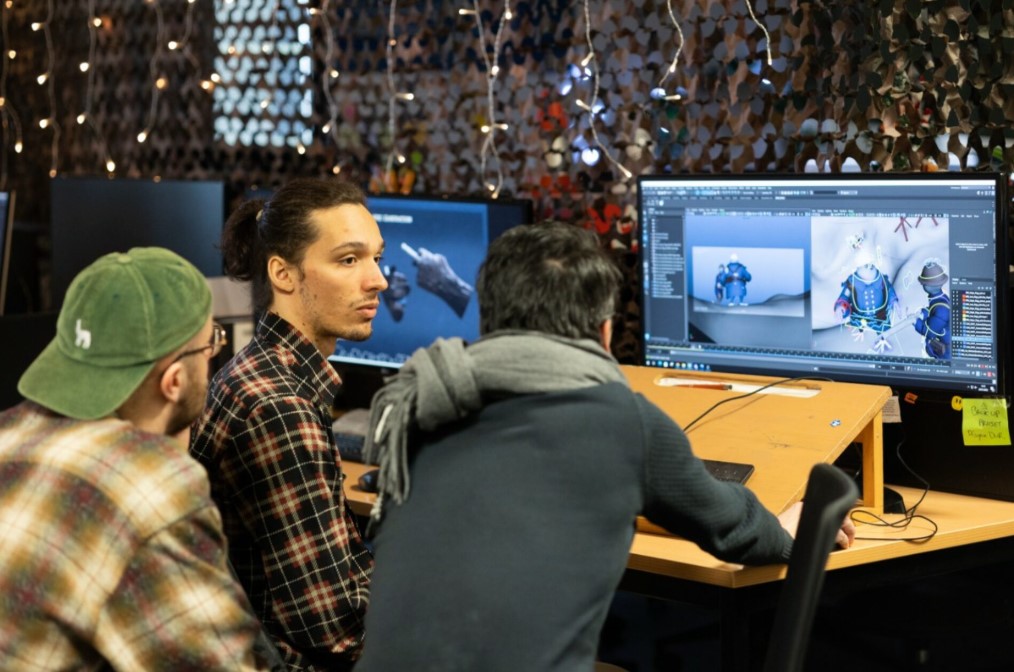
Editors, motion designers, and VFX artists can use it as a concept layer, a style layer, or a fast ideation tool.
Where the Caution Belongs
A few issues deserve real attention.
Consent and likeness
Using a person’s footage to generate alternate versions raises obvious questions around permission, credit, and misuse.
Authenticity in journalism and documentary work
Once existing footage can be transformed convincingly, the line between stylized edit and misleading manipulation gets thinner. Clear labeling matters.
Brand accuracy
For product videos, AI often struggles with exact packaging, logos, and small visual details. Human review is not optional.
What Comes Next
The next phase will probably center on better control panels rather than pure spectacle. Creators want tools that let them guide identity, camera path, outfit continuity, object permanence, and scene edits with less guesswork.
That is where video-to-video AI gets interesting. It is not only about making wild visuals. It is about making generative video behave more like an actual production tool.
Final Take
Video-to-video AI feels like the moment generative video starts growing up. The appeal is not only the look. It is the control, the speed, and the ability to build from real performance instead of pure invention.
For creators, marketers, editors, and educators, that changes the workflow in a meaningful way. Shoot something solid. Give the model a clear base. Guide it with intent. Clean up the result like any other serious piece of video work.
That is where the real value is starting to show.