


Internal communication looks easy when everyone sits in the same room. Then hybrid work happens, people move between office desks and home setups, and suddenly one update lives in chat, another in email, and a third is “mentioned quickly” in a meeting nobody recorded.
Helpful, isn’t it? A strong internal communication strategy gives people one clear way to understand what matters, where to find it, and what to do next.
Start With The Updates People Actually Miss
Before choosing internal communication tools, look at the messages your team keeps missing. Are people confused about policy updates, project decisions, schedule changes, IT alerts, or leadership news? Each type of message needs a different level of visibility. A detailed email may work for a policy explanation, but it is weak for a same-day office closure.
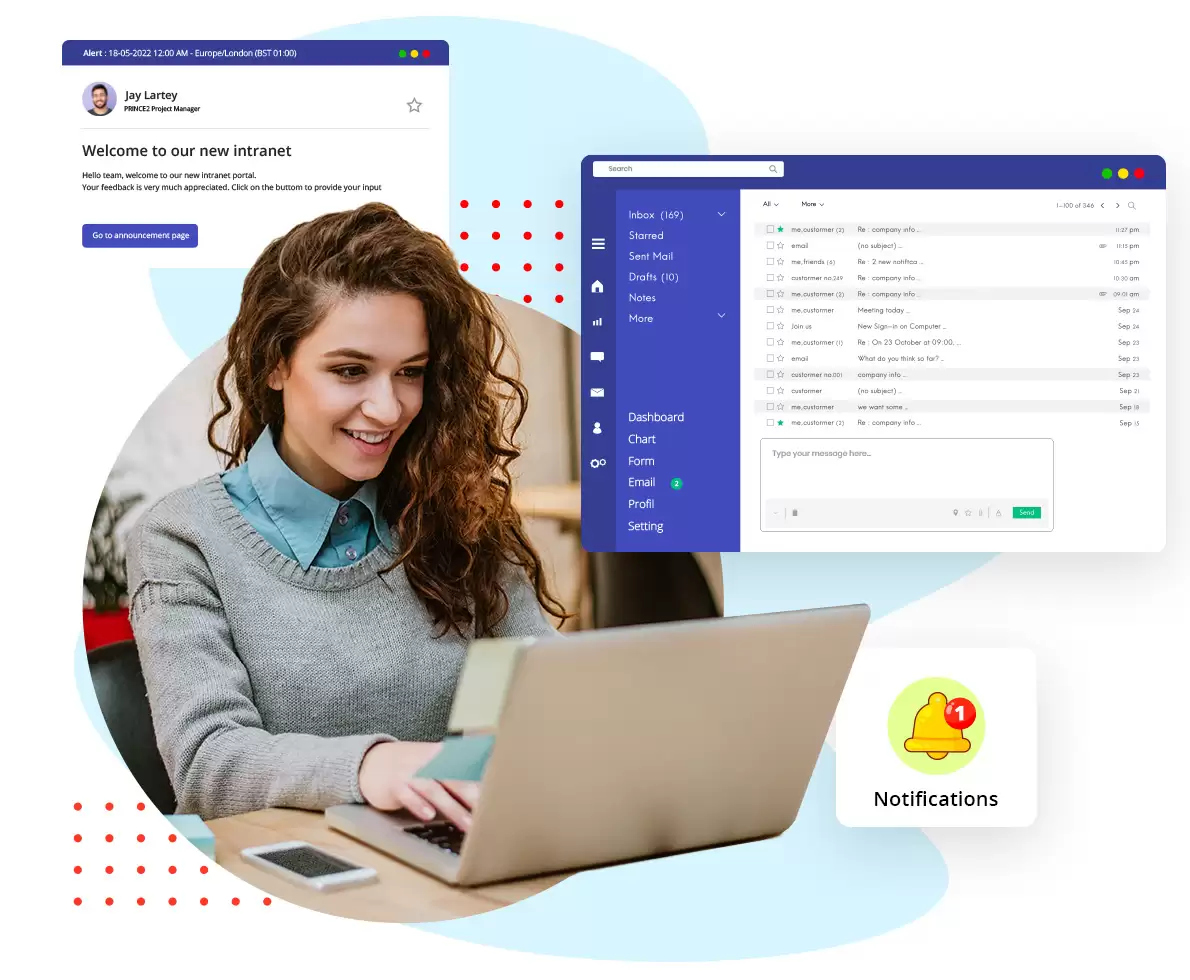
For desk-based employees, corporate screensaver software can help show visual updates on inactive PC screens without interrupting active work. Netpresenter describes its tool as a way to reach office and remote desk employees through idle screens. That makes sense for reminders, safety notices, event updates, and company-wide announcements that should not disappear inside a crowded inbox.
Choose Tools By Message Type, Not Habit
Most teams do not need another shiny platform. They need better rules for the platforms they already use. Chat is useful for quick clarification, but it should not be the only place where decisions live. Email is good for formal updates, but many employees skim it. Microsoft’s 2024 Work Trend Index reported that 68% of people struggle with the pace and volume of work, while 46% feel burned out.
What belongs where
Keep the rule simple enough for a new hire to follow.
- Chat: quick questions and urgent team coordination
- Email: formal notices and longer explanations
- Knowledge base: policies, guides, and repeatable processes
- Video messages: context-heavy updates that do not require a live meeting
Build A Channel Map Everyone Can Follow
A channel map sounds boring, but it prevents daily confusion. It tells employees where to post, where to search, and when a message becomes official. Without it, every team slowly creates its own system. That may feel flexible for a while, but it becomes messy when departments need to work together.
|
Message type |
Best channel |
Owner |
| Policy update | Email and intranet | HR or leadership |
| Project decision | Project tool | Project lead |
| Urgent alert | Chat and screen notice | Operations or IT |
Review this map every quarter. Tools change, teams grow, and old habits return quietly. A small review can prevent weeks of repeated questions and missed context. Put it in onboarding too, not only in a forgotten folder.
Make Remote Communication Less Dependent On Meetings
Remote teams often overuse meetings because leaders want to know whether everyone is aligned. Fair enough, but alignment does not always require thirty minutes on camera.
Harvard Business Review noted in 2021 that collaborative work, including email, messaging, calls, and video meetings, had grown to consume 85% or more of many people’s workweeks.
A healthier approach is to make asynchronous communication stronger. Send written updates before meetings, record short video explanations, and keep project notes in one shared place. Then live meetings can focus on decisions, disagreements, and issues that truly need discussion.
Practical rule: if people only need information, write it. If they need to decide, discuss it.

Keep Office And Remote Teams Equally Visible
Hybrid work can create a quiet visibility problem. Office employees may hear updates in passing, while remote employees rely on what gets documented. Hybrid work indicator says six in ten remote-capable employees want a hybrid arrangement, while about one-third prefer fully remote work and fewer than one in ten prefer fully on-site work. That mix makes consistency important.
Do not let office presence become a communication advantage. Share meeting notes, record key updates, and avoid making decisions only with whoever happens to be nearby. Remote workers should not need detective skills to understand what changed during the day. This matters even more when projects move quickly.
Set Response Rules Before People Get Annoyed
A good employee communication strategy should answer a question people rarely ask directly: how fast am I expected to reply? Without a shared rule, one person treats chat like a phone call, while another checks it twice a day. Neither person is automatically wrong. The system is unclear.
Set basic response expectations by channel. Urgent chat messages may need a same-day response. Project comments may wait until the next business day. Email may have a twenty-four or forty-eight-hour window, depending on the company. Also define quiet hours, especially for remote teams working across locations. People work better when they know what is urgent and what can wait. Write these rules down so expectations are not personal guesses.
Measure Whether Communication Is Working
Internal communication should be reviewed like any other business process. If people keep missing updates, asking repeated questions, or attending meetings just to “stay in the loop,” something needs adjusting. Do not rely only on open rates. A message can be opened and still misunderstood.

Useful signals include:
- repeated questions after announcements
- delays caused by unclear ownership
- search activity in the knowledge base
- feedback about channel overload
- attendance in optional update meetings
Ask managers what information their teams miss most often. Then ask employees which channels feel useful and which ones feel like extra work. You will usually spot the problem faster than expected. Numbers help, but the comments explain the real friction quickly and honestly.
Final Thoughts
A strong internal communication strategy is not fancy. It is clear, consistent, and honest about how people actually work. Office and remote teams both need fewer hidden decisions, fewer repeated updates, and fewer messages that vanish into busy channels. Start with the information people miss most often, choose tools by purpose, and set rules everyone can follow. Once the basics are steady, communication stops feeling like extra work and starts helping people move through the day with less confusion. That is the point: less chasing, more clarity, fewer surprises.