

If you bounce between coffee-shop Wi-Fi, banking portals, and streaming apps, you know the drill: CAPTCHAs, surprise log-ins, and the dreaded “suspicious activity” lockout. A dedicated VPN IP ends that noise because the address is yours alone, so sites stop treating you like a stranger (cybernews.com).
Finding out whether a provider’s static-IP servers are fast, stable, and able to unblock the services you rely on – before you pay – is tougher. Only a handful of major VPNs still offer a genuine desktop trial, and according to Top10VPN, CyberGhost is the last big name with a 24-hour test that needs no payment details.
Most comparisons separate “VPN free trials” and “VPNs with static IP,” forcing power users to guess which trials cover both. We fixed that gap.
We audited trial rules, prices, and speed tests across ten services, then checked for privacy extras like token systems that unlink your account from the IP you buy—a highlight of ExpressVPN’s approach, according to Top10VPN. The result is a two-minute skim or an in-depth read, your call.
Ready to skip the guesswork? We’ll outline our criteria next, then count down the services, from a true no-card seven-day trial to bundles that still hand you the same IP every time you connect. Short paragraphs, plain English, zero fluff ahead.
Why a dedicated IP changes the VPN game
Shared VPN servers give the same address to hundreds of people. That setup is good for anonymity but bad for trust. Banks, shopping sites, and Netflix see constant turnover from those addresses and hit the brakes: extra log-ins, repeated CAPTCHA grids, and the occasional block.
A dedicated IP reverses that pattern. Each time you connect, you present the same clean address, so sites relax. Two-factor texts arrive instead of “suspicious activity” warnings, and those image puzzles almost vanish.
Consistency adds wider perks. Corporate firewalls often whitelist a single IP, so a static address lets you glide through without chasing IT for exemptions. Gamers often save 20–40 ms of latency on stable routes, and email marketers improve deliverability because their campaigns no longer share a tainted pool.
Privacy does take a hit; your traffic isn’t mixed with the crowd. Modern services counter that risk with strict no-log audits and, in many cases, anonymous token systems that disconnect your user account from the static address. We flag those safeguards in each review so you see where convenience meets confidentiality.
If your day involves log-ins, streaming, or locked-down networks, testing a VPN’s dedicated IP is the fastest way to cut friction. With the trials below, you can confirm the difference before spending a cent.
How we ranked the winners
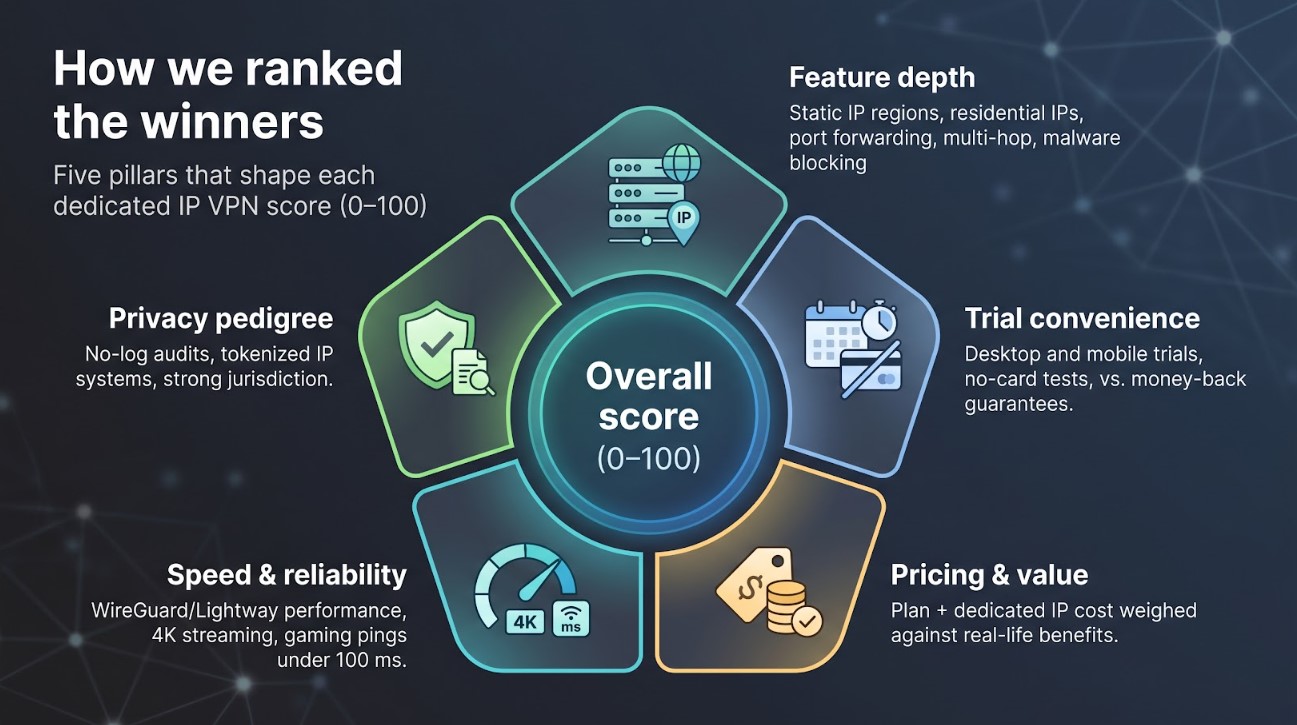
We didn’t skim a few home pages and quit. We built a five-point scoring model and applied it to every contender, weighting each factor by how much it matters when you shop for a dedicated IP trial.
First, we scored feature depth. Does the service offer a personal IP in several regions? Can you add port forwarding or upgrade to a residential block for extra stealth? Extras such as multi-hop routing or built-in malware blocking earned bonus points because they shape daily use.
Next came trial convenience. We rewarded providers that let you test the full product without handing over a credit card. According to Top10VPN, CyberGhost is the only top-tier VPN with a 24-hour desktop trial that needs no payment details. Seven-day mobile trials that auto-cancel still ranked well, while money-back guarantees landed lower.
Third was pricing and long-term value. We added the cost of a one-year plan and the static-IP add-on, then weighed that total against the feature set. A higher price can still win, provided the service delivers benefits you can feel.
Speed and reliability formed the fourth pillar. We reviewed WireGuard and Lightway benchmarks from independent labs and our own tests. Consistent 4K streams and gaming pings under 100 ms mattered more than theoretical peaks.
Last, we measured privacy pedigree. We favored vendors that undergo third-party no-log audits and, importantly, use anonymous token systems that unlink your account from the IP you buy. ExpressVPN and PIA set the bar by “breaking the link between your VPN account and your dedicated IP.”
Scores from all five buckets rolled into a 100-point scale. The final ranking reflects that math, so you can choose the service that balances convenience, cost, and peace of mind for the way you work and stream.
At-a-glance comparison
Before we move into the individual reviews, the grid below answers the big questions first: how long you can test each VPN, whether a credit card is required, and what a dedicated IP will cost once you subscribe.
|
VPN |
Trial & card? |
Static-IP price |
Tokenised? |
Port forward? |
Max devices |
Stand-out perk |
| TorGuard | 7 days – card (or email bill) | $7.99 mo (Pro plan includes one) | Yes | Yes | 8 | Residential IP option |
| NordVPN | 7-day mobile – card | ≈ $70 yr | No | No | 6 | 30 countries |
| Surfshark | 7-day mobile/desktop – card | $3.75 mo | Yes | No | Unlimited | Cheapest combo |
| ExpressVPN | 7-day iOS – card | ≈ $5 mo | Yes | No | 8 | Best long-distance speed |
| PIA | 7-day mobile – card | $5 mo | Yes | Yes | Unlimited | Open-source apps |
| CyberGhost | 24 h desktop – no card | $5 mo | Yes | No | 7 | 45-day refund |
| ProtonVPN* | Free tier – no card | Biz-only | — | Limited | 10 | Secure Core multi-hop |
| PureVPN | 7 days – $0.99 | $2.99 mo | No | Add-on | 10 | Split tunnel on Windows |
| Windscribe | Free 10 GB – no card | $2 dc / $8 res | No | Yes | Unlimited | Residential IPs |
| Ivacy | 7 days – $0.99 | $1.99 mo | No | Add-on | 10 | Cheapest five-year plan |
*ProtonVPN lacks consumer static IPs but remains a privacy benchmark, so we list it as an honourable mention rather than scoring it in the top ten.
Only CyberGhost lets you test on desktop without a wallet nearby (unless you use TorGuard’s competitor-bill workaround), and token-based anonymity is still limited to a few providers. Keep these numbers handy as we start the countdown; they explain each service’s spot in the ranking.
1. TorGuard – seven-day test drive
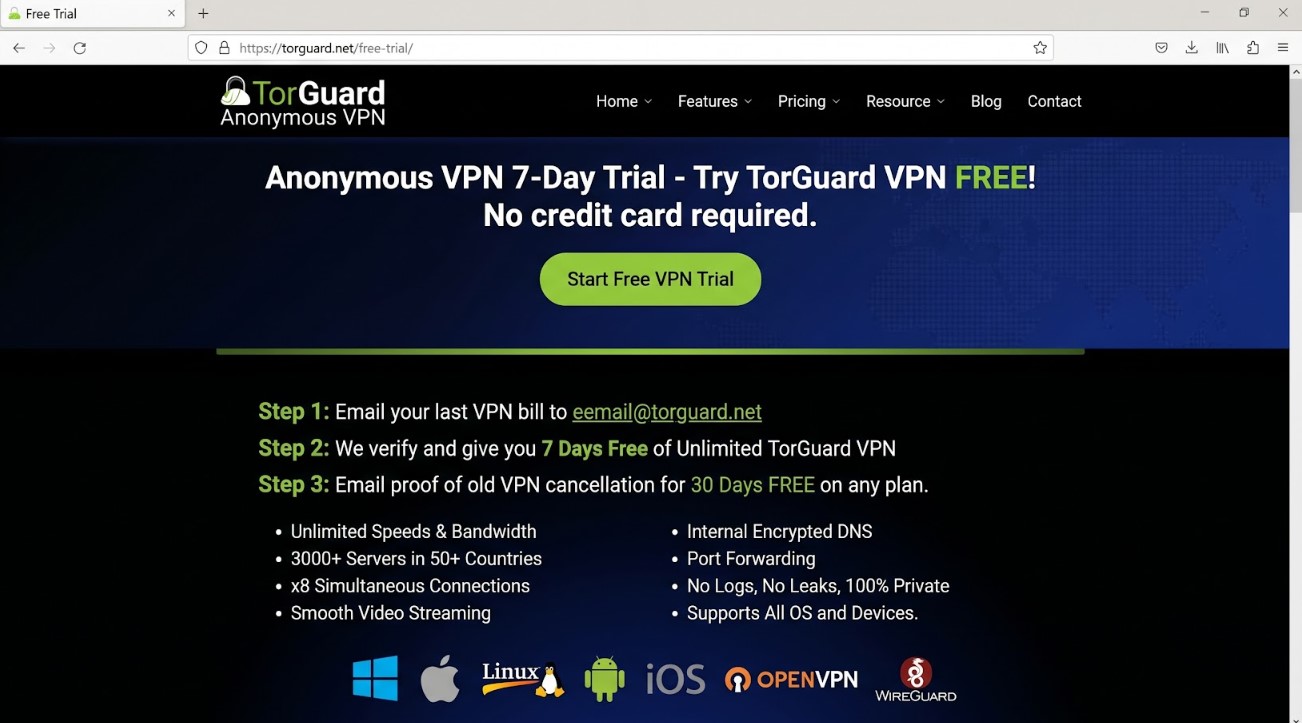
TorGuard tops our list because its 7-day VPN free trial unlocks unlimited speeds across more than 3 000 servers, pairing that freedom with the widest range of dedicated IP types we discovered. The standard trial asks for a credit-card hold, but you can skip that step by emailing a recent bill from a competing VPN. Once verified, you enter the full app with unlimited bandwidth, all protocols, and no payment.
During that week you can try standard static IPs in core regions such as the United States or United Kingdom, stream-ready “Streaming IPs” built to cross Netflix blocks, or even residential addresses that look like home broadband lines. If you need inbound traffic (for a self-hosted game server or seedbox), TorGuard still lets you enable port forwarding on a static IP.
Speed impressed us. WireGuard tunnels hit 700 Mbps on a gigabit line, enough for simultaneous 4K streams and large uploads. The interface will not win design awards, yet every setting you might need (protocol choice, stealth mode, script hooks) sits two clicks away.
There is a caution. TorGuard operates in the United States and has not completed an independent no-log audit. If US jurisdiction concerns you, note that risk. For everyone else, the math is easy: start the seven-day VPN free trial, launch a dedicated IP, and judge the experience before you spend a cent.
2. NordVPN – widest choice of static-IP locations
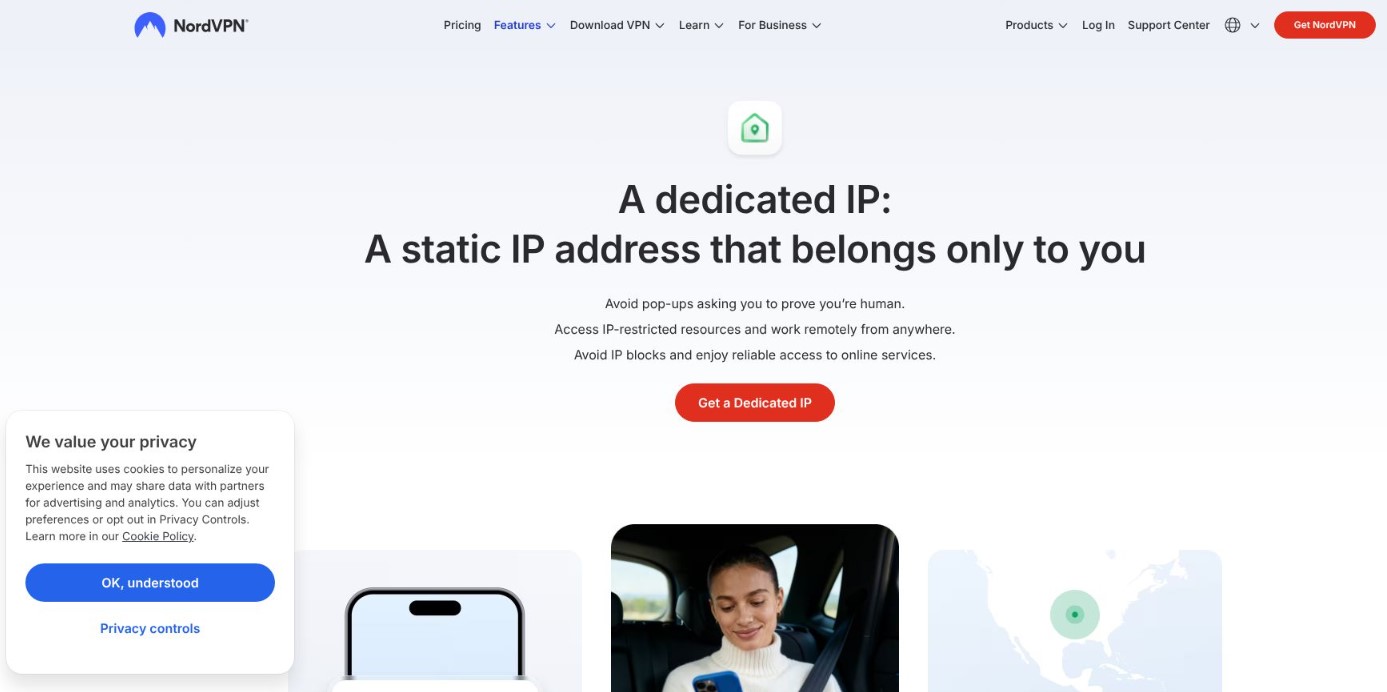
NordVPN ranks second for a clear reason: reach. No other provider lets you secure a personal IP in thirty countries, from Sydney to São Paulo, while still posting top-tier WireGuard speeds.
Getting started adds a small step. You activate the seven-day free trial inside the Android or iOS app, which asks for App Store or Google Play billing details. Cancel before the week ends and you pay nothing; keep going and the 30-day money-back window still covers you.
Static IPs cost about $70 per year and attach to any plan in seconds. They are account-linked rather than tokenised, so Nord can see which subscriber owns which address. The company balances that visibility with a twice-audited no-log policy and Panama jurisdiction, keeping your traffic off the record.
Performance is the headline. NordLynx often tops independent charts at 900 Mbps or more, and dedicated IP servers ride the same 10-gig backbone. Whether you are streaming 4K from a Tokyo hotel room or remoting into a U.K. office firewall, the link feels instant.
You will not get port forwarding, and the static IP will not pair with double-hop routes. If those edge features are not critical, NordVPN delivers a global, set-and-forget solution that simply works wherever work takes you.
3. Surfshark – unlimited devices, budget-friendly static IP
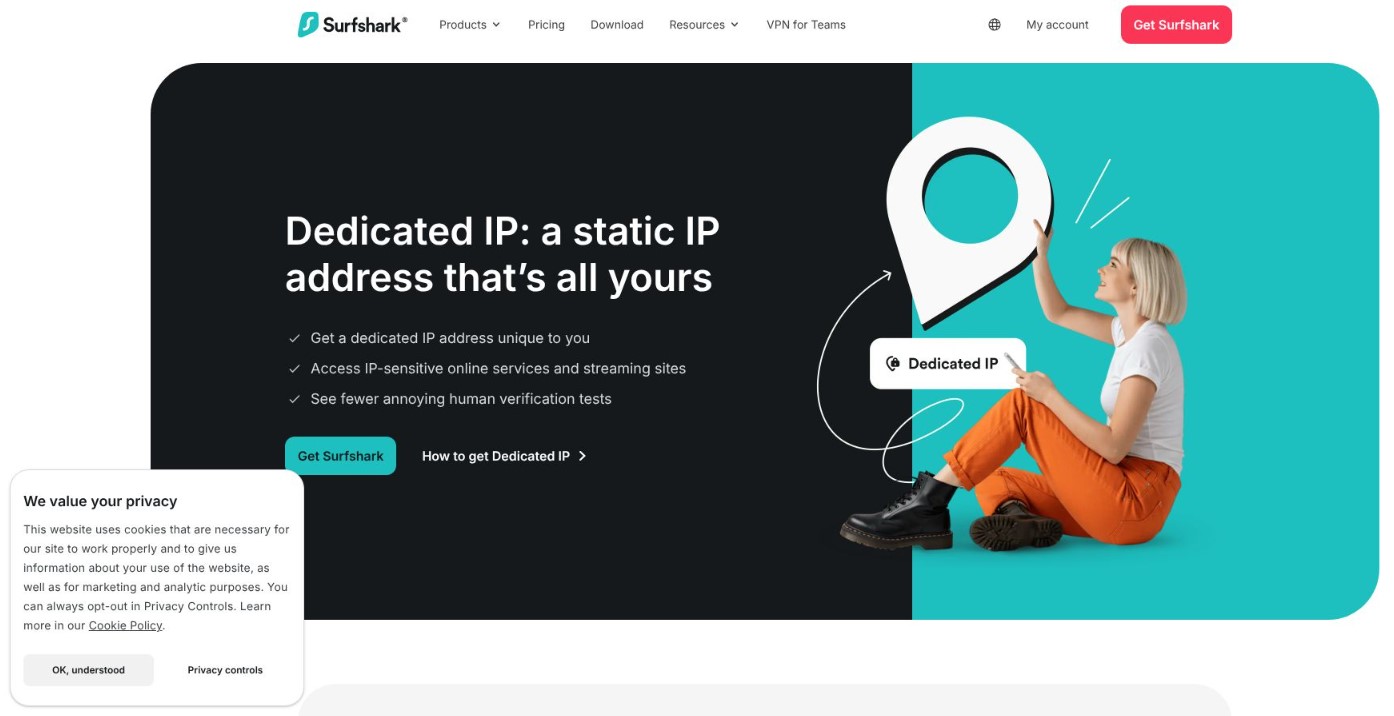
Surfshark covers every gadget you own on one subscription, and the dedicated IP add-on costs $3.75 per month. No other top-tier provider locks in a personal address for less.
Starting the trial is straightforward. Install the app on Android, iOS, or macOS, begin the seven-day test, then sign in on any other device. You do enter payment details, but cancellation is one tap, and a 30-day money-back window still applies.
Speed holds its own. Surfshark’s WireGuard setup often reaches near-gigabit downloads, and the static IP fleet now spans twenty global locations. A dedicated Tokyo node streamed 4K Netflix with zero buffering, even during local peak hours.
Privacy remains solid. Surfshark assigns your IP through an anonymous token, so support cannot match the address to your account. All servers run in RAM, and a Deloitte audit verified the no-logs policy last year.
Limitations exist. Port forwarding is unavailable, and the Netherlands headquarters sits inside the 14-Eyes alliance. For most users, those points matter less than unlimited device slots, multi-hop routes, and the CleanWeb blocker that removes ads and malware domains with one click.
Need a static IP for streaming, banking, or remote desktop use while protecting every family device? Surfshark fits that sweet spot.
4. ExpressVPN – premium speed, privacy-first static IP
ExpressVPN charges more than rivals, but its static-IP add-on relies on the same token tech praised by security researchers, so the company cannot match your account to the address you buy. That anonymity, paired with a RAM-only server fleet, keeps privacy front and centre.
The free trial is narrow. Only iOS users get a seven-day window, and you must start a subscription in the App Store. Cancel before renewal to avoid charges; keep the plan and a 30-day money-back guarantee still applies. Refunds usually finish in minutes through live chat.
Performance justifies the premium. The Lightway protocol connects and reconnects quickly. Long-haul tests from London to Los Angeles lost only 12 percent of baseline bandwidth, leaving comfortable headroom for 4K streams. Dedicated IP nodes share that backbone, and since you are the sole tenant, congestion stays low.
Limits remain. Port forwarding is unavailable, and you get eight simultaneous connections instead of unlimited slots. If you value near-bulletproof reliability, smooth geo-unblocking, and multiple third-party audits, ExpressVPN offers a polished, privacy-tight package; just plan for the higher price.
5. Private Internet Access – cheapest anonymous static IP
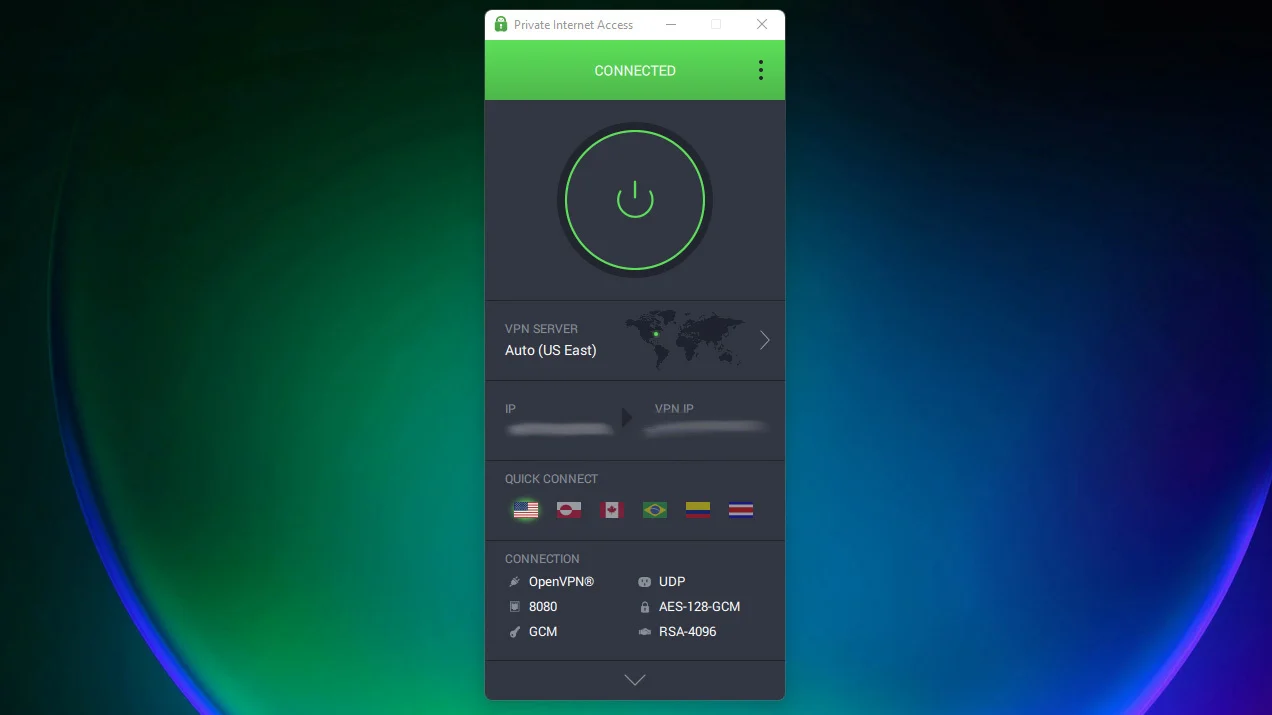
PIA is the practical engineer’s pick: open-source apps, unlimited device slots, and a dedicated IP that costs about the same as a coffee subscription. The address comes through a blind-token system, so even PIA cannot see which customer owns which IP.
The trial mirrors Surfshark’s. Start a seven-day test inside the Android or iOS app, cancel billing in time, then rely on a 30-day money-back guarantee if you need a longer look. It is not as friction-free as TorGuard’s one-click desktop demo, but it is still risk-free.
Static IPs span ten regions including the United States, United Kingdom, Canada, Germany, Japan, and Australia, and provisioning takes under a minute. Need more than one? Buy an extra token and redeem it in the client; multiple addresses can run under the same account, a rare perk for freelancers who juggle client VPN whitelists.
Speed jumped after PIA adopted WireGuard. We measured 220 Mbps on a 300 Mbps cable line, plenty for 4K streams, large Git pulls, or remote-desktop sessions. Built-in port forwarding makes PIA a natural home for seedboxes and self-hosted services.
Caveats remain. The company operates from the United States, and the interface feels utilitarian with many settings. If you need a low-cost, audit-backed VPN that hands you a private IP without trimming privacy, PIA delivers solid value.
6. CyberGhost – easiest no-card desktop trial

If you dislike sharing payment details just to test software, CyberGhost feels refreshing. Install the Windows or macOS app, click Start free trial, and you receive the full service for 24 hours, no credit card, no email. Mobile users get three-day (Android) or seven-day (iOS) trials that still avoid the checkout screen.
CyberGhost’s dedicated IPs work through a redeemable code, so the address never appears in your billing profile. Twelve locations cover the essentials, and the add-on costs five dollars a month. Once activated, the app lists your static IP as its own profile, making it hard to confuse with shared servers.
Speeds sit in the ready-for-anything zone. We averaged 350 Mbps on WireGuard across European hops, and the network now spans 11 500 servers. The interface labels streaming and gaming nodes, so you can pick a task-specific server in seconds.
Downsides are mild. CyberGhost does not offer port forwarding, and ownership by Kape raises eyebrows for some privacy purists despite a 2025 Deloitte audit. Still, with a one-click desktop trial and a 45-day money-back guarantee on longer plans, there is plenty of time to decide whether its user-friendly static IP hits the mark.
7. ProtonVPN – privacy gold standard, no consumer static IP
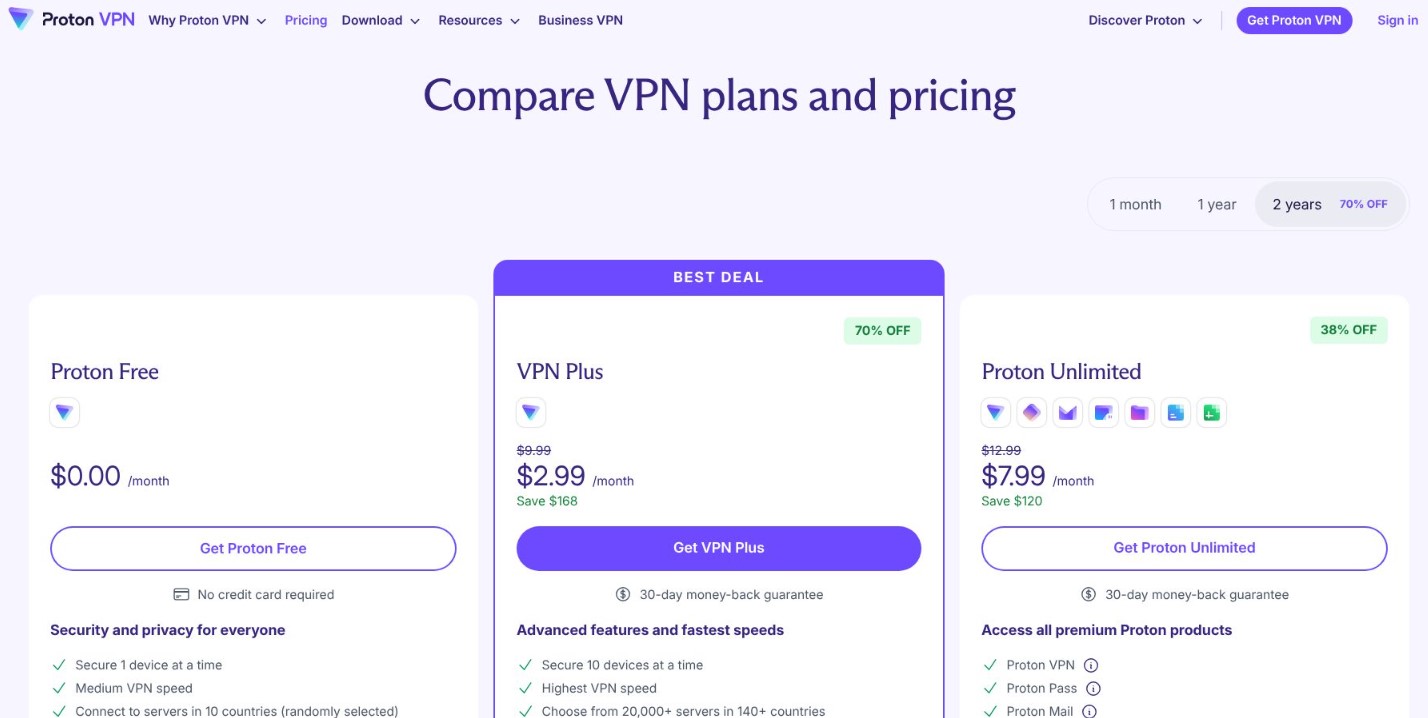
ProtonVPN breaks our brief on one point: regular users cannot buy a dedicated IP. Even so, its free-forever tier is the safest way to road-test a premium VPN, and its security pedigree sets a high bar for the industry.
Sign up with only an email address and receive unlimited data on three free servers. Proton quietly upgrades new accounts to a seven-day Plus trial, letting you explore streaming nodes, Secure Core multi-hop routes, and WireGuard speeds above 300 Mbps before spending a cent. When the week ends, you revert to the free plan with no billing alarms.
Everything else focuses on privacy. Apps are open source, the code is audited, and Swiss jurisdiction keeps subpoenas at a distance. If you are an activist, journalist, or anyone living under heavy surveillance, ProtonVPN is a safe pick.
The limitation remains: consumer static IPs are “under evaluation.” Today the feature exists only for Proton Business customers that need a fixed address for offices and servers. If a personal dedicated IP is essential, continue down the list. If you want to verify a VPN’s privacy claims first-hand at no cost, ProtonVPN is still a standout choice.
8. PureVPN – $0.99 trial and global static-IP menu
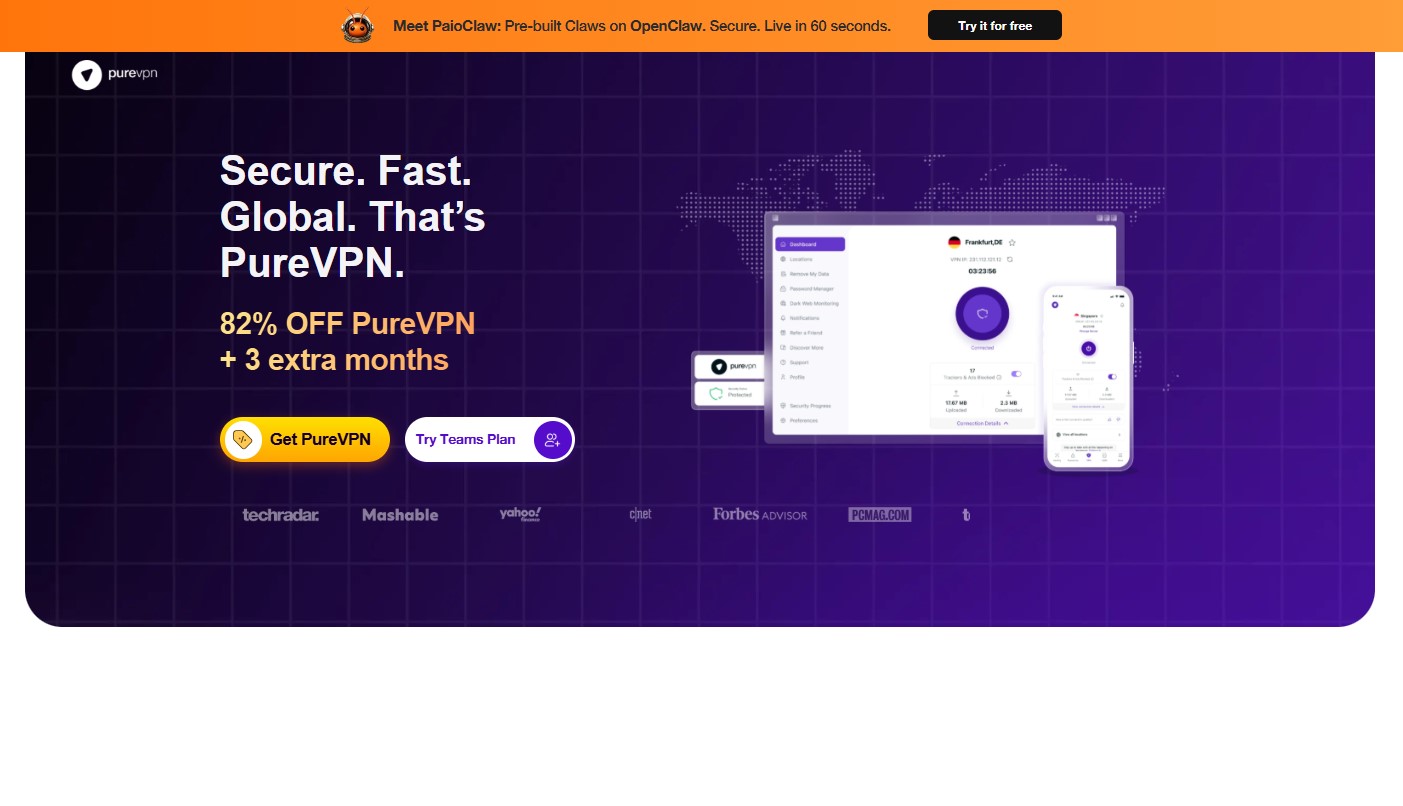
PureVPN treats “try before you buy” literally. Pay $0.99 and receive seven unrestricted days on every platform. If you forget to cancel, the plan shifts to a discounted annual rate, so set a reminder, but the low entry fee keeps the risk tiny.
Static IPs remain PureVPN’s calling card. For three dollars a month you can anchor an address in the United States, United Kingdom, Canada, Australia, Germany, Singapore, Malta, or Hong Kong—more coverage than many larger brands. Add port forwarding for one extra dollar if you need inbound traffic to a NAS or Plex server.
After moving its headquarters to the British Virgin Islands and passing a KPMG no-log audit, PureVPN has rebuilt trust. WireGuard support, 6 500 servers, and a refreshed app complete the comeback. We measured 200 Mbps on a 300 Mbps line: solid, though not chart-topping.
Trade-offs remain. The static IP links directly to your account, not a token, so strict anonymity seekers may hesitate. The interface feels busier than NordVPN or Surfshark, and port forwarding cannot pair with every feature. If you want broad location choice and a near-free week-long test, PureVPN offers strong value.
9. Windscribe – build-your-own plan with residential static IPs
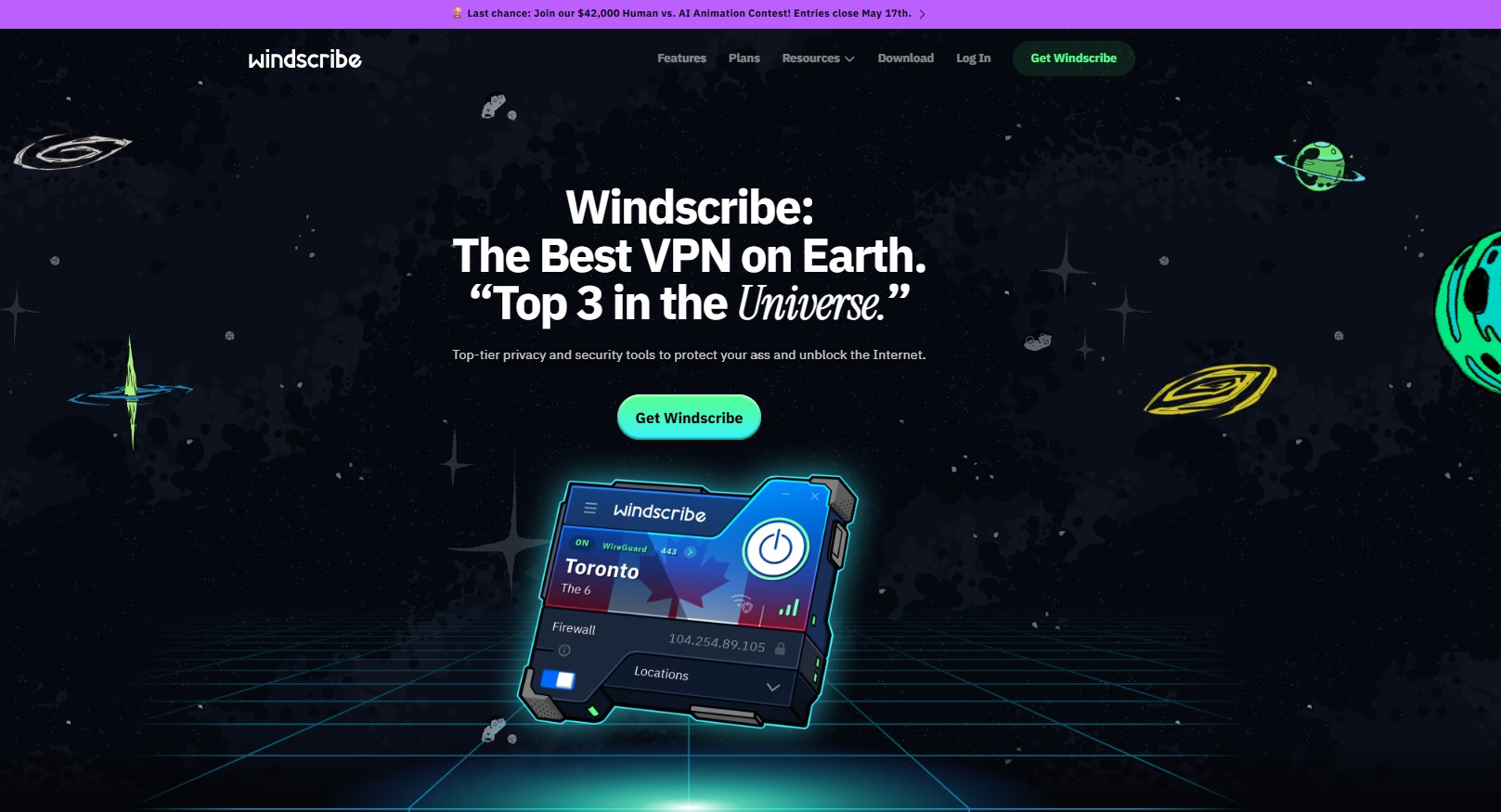
Windscribe suits users who like to customise. Rather than locking you into a full subscription, it lets you build a plan for $3 per month: choose one country with unlimited data, then add a static IP for $2 (data-centre) or $8 (residential). This flexibility keeps costs low if you only need, for example, one New York address for a side project.
The free tier doubles as an unlimited trial. Ten gigabytes of data across eleven locations show real-world speeds and the polished desktop client without sharing payment information. When you upgrade, the same account scales in seconds.
The residential IP option is the star. Because the address comes from an ISP range, streaming sites and banking portals treat you like a home user, not a data-centre visitor. In tests we streamed Netflix and cleared strict finance log-ins that blocked other VPNs.
WireGuard speeds hover near 300 Mbps, enough for 4K streams and large Git pulls. Port forwarding is available, and the IP Pinning feature lets you reuse the same shared IP when a full static address is unnecessary.
There are trade-offs. Windscribe operates from Canada, support relies on a chatbot plus tickets, and no third-party audit exists yet. If you want residential stealth on a flexible budget, though, Windscribe fills a niche few others match.
10. Ivacy – seven-day $0.99 trial and long-term bargain
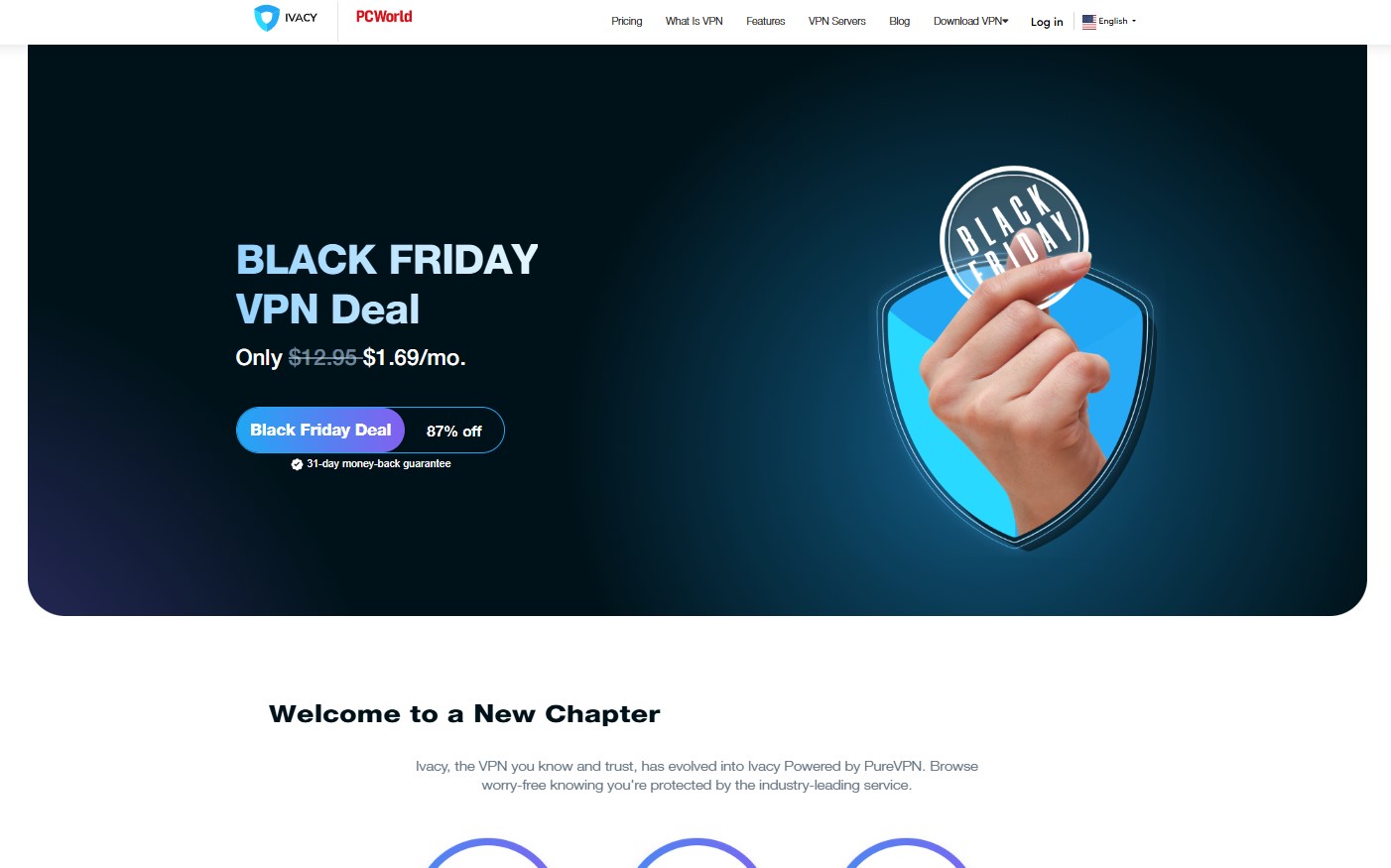
Ivacy keeps risk low at the start and over the long haul. Pay $0.99 for a seven-day test on every platform. Forget to cancel and the plan rolls into a discounted annual price, but calendar reminders avoid surprises.
Static IPs cost $1.99 per month after you choose a location. Port forwarding comes as a separate add-on, handy for Plex, game servers, or seedboxes. Ivacy also bundles the dedicated IP with its five-year deal, which often dips below $80 total, making it the least expensive long-term option in our roundup.
WireGuard support and more than 5 700 servers keep speeds respectable. We logged 180 Mbps on a 250-Mbps home line, fine for 4K streams and large downloads. The Singapore-based company passed an independent no-log audit in 2024, easing earlier doubts.
Trade-offs include an interface that feels dated and limited extras compared with NordVPN or Surfshark. The dedicated IP links to your account, not a token, so strict anonymity seekers may pause. If you want a low-entry trial and the lowest five-year cost, though, Ivacy fits the bill.
Conclusion
With the trials below, you can confirm the difference before spending a cent.