


Open someone’s story on Instagram and your username lands in their viewer list within seconds. For a quiet competitor check, an old classmate’s profile, or a creator you don’t want to follow yet, that’s a small but real problem.
Story viewer sites exist for that exact gap. They’re simple to use, but there’s a fair bit of confusion about what they can and can’t do, so it helps to know the rules before you paste a username anywhere.
What an Instagram story viewer actually does
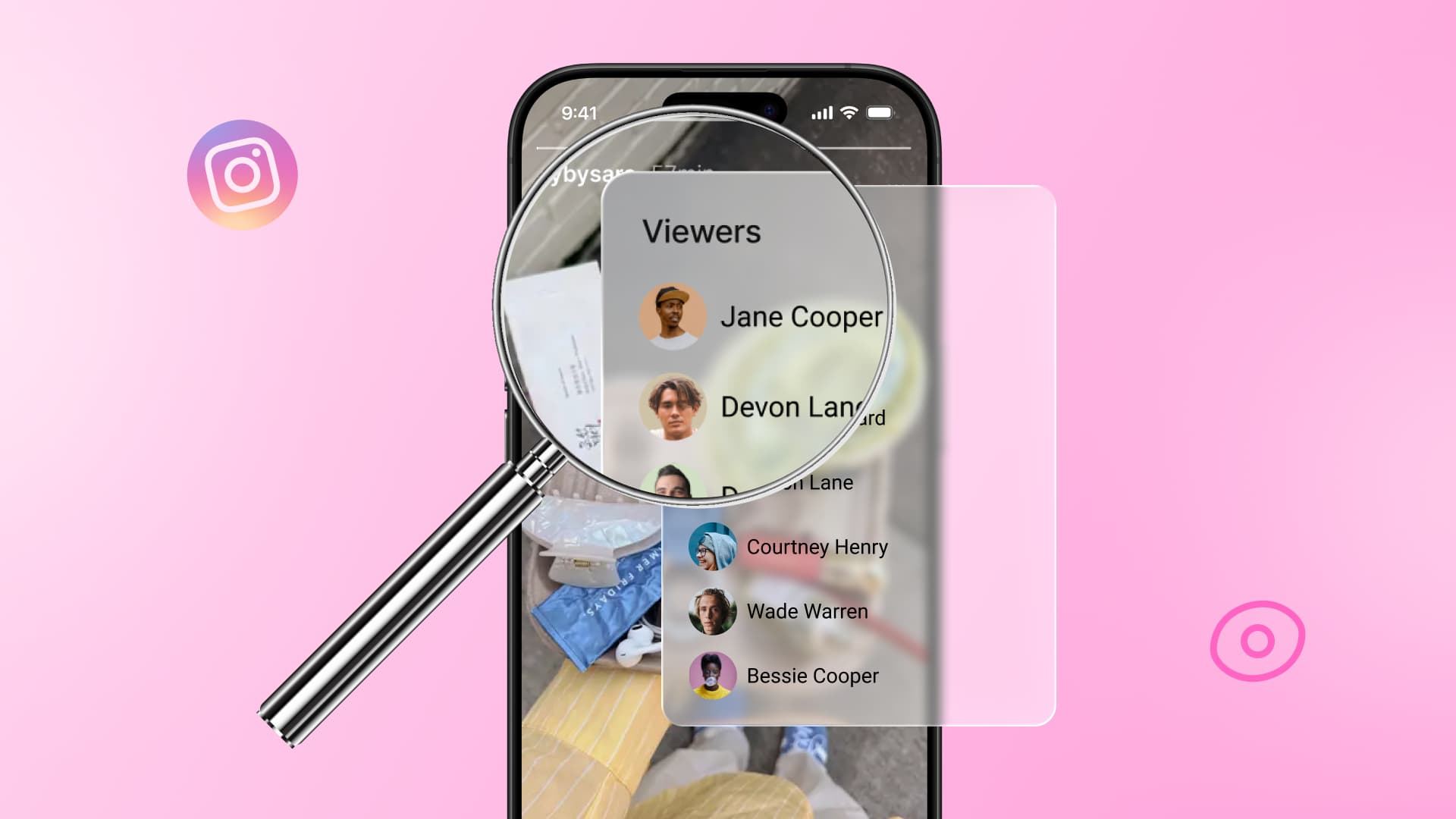
A story viewer is a website that pulls publicly available Instagram content and plays it back for you in a browser. No app, no account, no download. Think of it as a window into the public side of a profile rather than a hack.
Why your name shows up in the first place
Instagram logs every story view and shows the account owner a list of usernames, in order. That list sticks around for about 24 hours on a normal story, and longer once a story gets saved to Highlights. Instagram explains how story insights work in its own Help Center, and nothing in those settings lets you opt out of being listed.
Third-party viewers get around this by fetching the content themselves. The request comes from their server, not your account, so there’s nothing to attach your name to.
Public vs private accounts, the part most people get wrong
This trips up almost every first-time user. These tools only work on public profiles. If an account is set to private, no legitimate viewer can show you anything, and any site claiming otherwise is either lying or fishing for your login details.
Two quick ways to check before you waste time:
- Open the profile in a browser while logged out. If you can see the posts, it’s public.
- If you see a padlock or a “This account is private” message, stop there.
How to view Instagram stories online, step by step
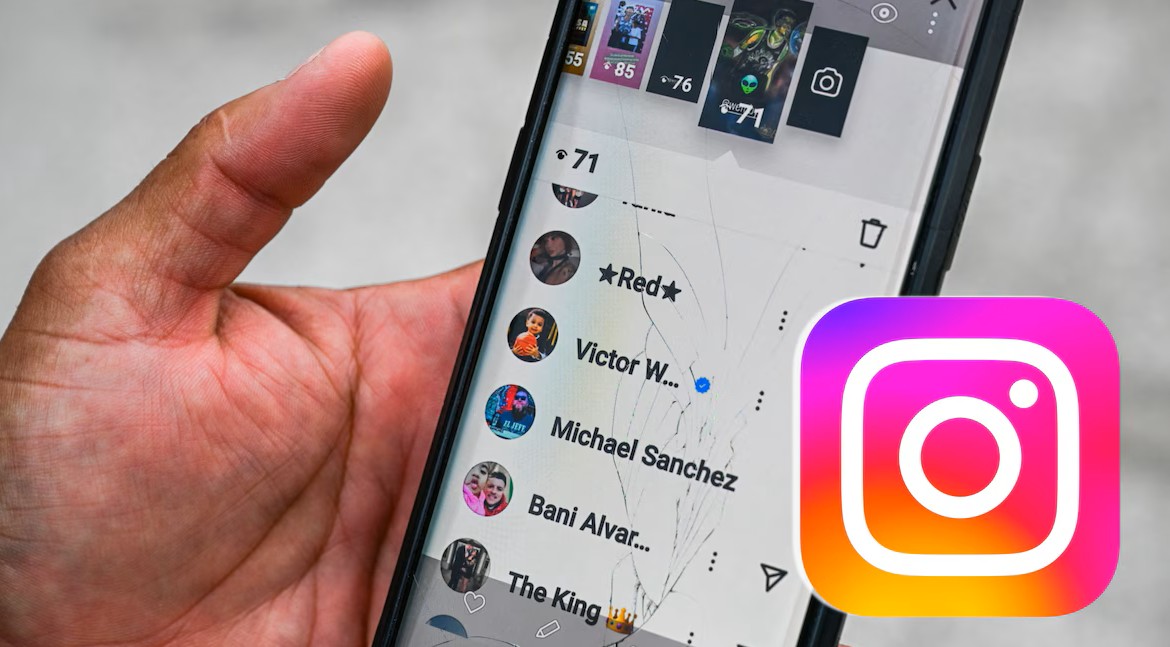
The process is nearly identical across every tool, which is good news if the one you normally use goes down. Here’s the flow:
- Copy the exact username, not the display name. “jane_smith_99” works; “Jane Smith” usually doesn’t.
- Open the story viewer site in any browser, on phone or desktop.
- Paste the username into the search box and hit search.
- Pick the right profile from the results. Fake and lookalike accounts are common, so check the profile photo and follower count.
- Click through the stories. Most sites also show Highlights, posts, and reels on the same page.
- Use the download button if you want to save a story, keeping in mind that the content still belongs to whoever posted it.
What to do if nothing loads
Blank results don’t always mean the account is private. Instagram changes things on its end often, and these sites sometimes break for a day or two while they catch up.
Try a different viewer before assuming the profile is locked. If two or three tools all come back empty for the same username, the account is almost certainly private or has been deactivated.
Instagram story viewer tools worth knowing
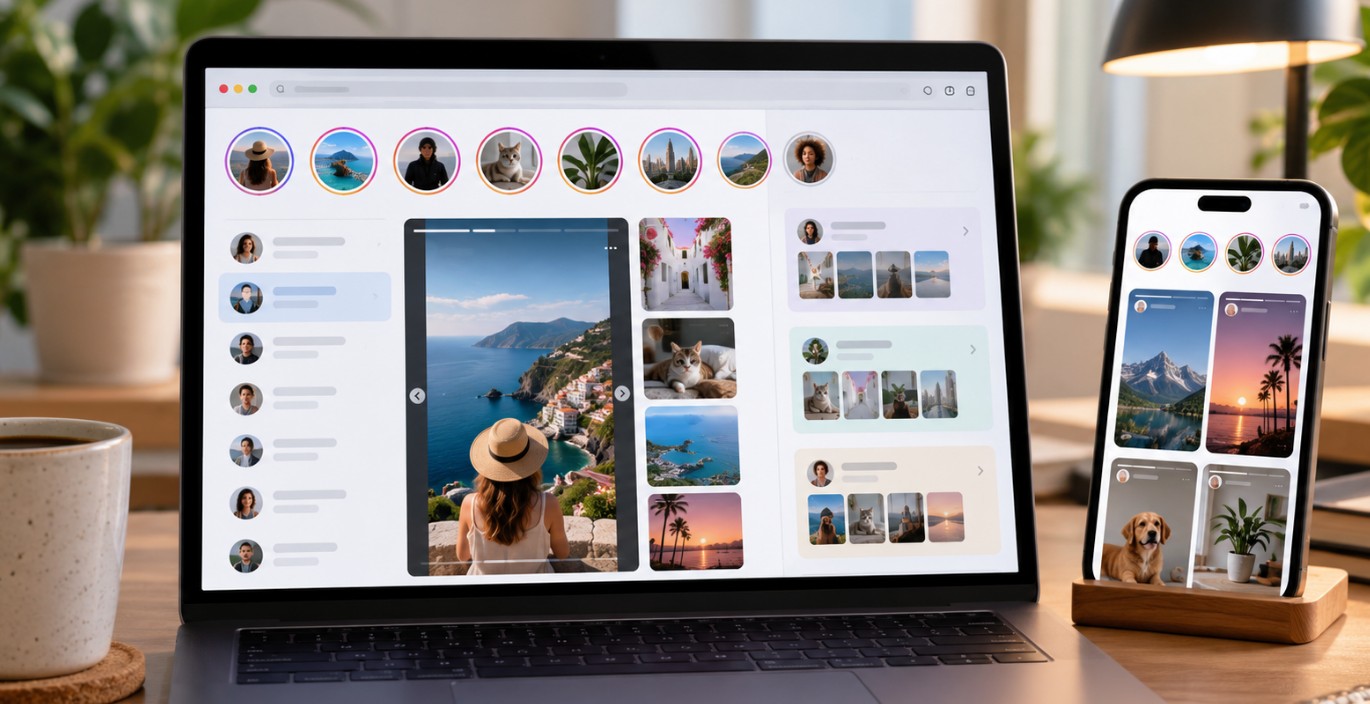
Most of these sites do the same core job, and the difference comes down to how cluttered they feel and what extras they bundle in. None of them need an Instagram login. A few run heavy ads, which is worth knowing before you open one on a work laptop.
| Tool | What it’s good for |
|---|---|
| StoriesIG | Plain, fast viewing with upload dates shown on content |
| Inflact Story Viewer | Separate tabs for stories, highlights, posts, and reels |
| MollyGram | Free viewing and downloading of stories, highlights, and reels |
| StoryNavigation | Clean interface with no login, works well on mobile |
| AnonIGViewer | Minimal, no-signup browsing of stories and highlights |
| StoriesDown | Lightweight viewing and MP4 downloads of public content |
If you mostly want stories and nothing else, a stripped-down site like StoryNavigation or StoriesDown is quicker. Inflact suits people doing research across several content types, since you’re not hunting for the right tab each time. Want to see how a no-frills viewer handles a profile before committing to one? check this and compare it against whatever you’re using now.
Bookmark two of them rather than one. Tools in this space go offline without warning, and having a backup saves you from searching for a replacement at the worst moment.
Mistakes to avoid before you paste a username
A few habits separate people who use these sites without trouble from people who end up with a compromised account.
Never log in with your Instagram credentials. No real story viewer needs them. A site asking for your password is after your account, full stop.
Skip the “private account viewer” promises. Those pages usually end in a survey, a fake app download, or a payment page. Nothing comes out the other side.
Don’t install random browser extensions. Some ask for permission to read everything you do on the web, which is a steep price for watching a story quietly.
Think twice before reposting what you download. Saving a story for reference is one thing. Republishing someone else’s content without credit or permission is a different matter, and it can land you in a copyright dispute.
One more thing worth remembering: these tools hide you from the viewer list, not from Instagram itself. Scraping tools sit outside Instagram’s terms of service, so treat anonymity here as social privacy rather than total invisibility.
FAQ
Picking the one that fits you
Start with what you actually need. Casual, occasional viewing? Any of the simple sites will do, and the fastest-loading one wins. Doing regular competitor research? A tool with separate sections for each content type will save you clicks. Either way, test it on a public account you already follow so you know what working results look like before you rely on it for something that matters.