

There is a version of phone data loss that makes a good story: the phone that slips off a boat, the laptop stolen from a café, the toddler who baptizes an iPhone in apple juice. Those happen. They just are not what usually takes your photos.
The disaster that actually empties a camera roll is almost never dramatic. It is a tap on the wrong button, a memory chip that quietly stops holding its data, or a sync service faithfully copying a deletion everywhere you own.
A 2025 survey of 1,000 U.S. adults by Handy Recovery Advisor found that about 71% had lost data at least once, and that two causes accounted for nearly two-thirds of those incidents: accidental deletion (34%) and hardware failure (30%).
None of that comes up when you buy the phone. The box talks about camera megapixels and battery life. So treat this as the missing warning label.
The disaster is usually boring, which is exactly why we ignore it
Backblaze’s 2024 State of the Backup survey, run by The Harris Poll across 2,058 U.S. adults, found that 74% of computer owners had accidentally deleted important data at least once – up 5.7 percentage points in a single year.
The pattern holds on phones, where the delete control and the “select all” gesture sit a few millimeters apart and neither one asks, “are you sure?”
My read is that we misplace the risk. Theft and water feel like attacks, so we brace for them. Accidental deletion feels like clumsiness, something we will simply avoid through better habits.
The data says human error is not the edge case. It is the main event, and it does not care how careful you think you are.
Some of it is not even your fault. In late 2023, a Google Drive desktop bug silently removed months of user files for what Google called “a limited subset” of accounts.
That is the uncomfortable part: your data can disappear with zero mistakes on your end, and the official fix is not guaranteed. When that happens, data recovery software is often the next thing people try, since it can scan a phone, memory card, or drive for files that were deleted but not yet overwritten.
The company shipped a recovery tool, but Ars Technica reported that many affected users said it did not work, and Google locked the support thread while people were still unable to get their files back.
That is the uncomfortable part: your data can disappear with zero mistakes on your end, and the official fix is not guaranteed.
Sit with that for a second. For most families, the phone is the only copy of a decade of birthdays, first steps, and people who are no longer around to be photographed again.
lives on a device that gets dropped, sat on, and replaced every few years, and on an account that treats a deletion as an instruction to be carried out.
“Synced” is not “backed up,” and that one confusion costs the most
Here is the thing I would put on every phone box if I could: sync and backup solve different problems, and only one of them can undo a mistake.
Sync exists to make every device agree. Delete a photo on your phone and the cloud deletes it too, then tells your laptop and your tablet to do the same.
Dropbox says this plainly in its own documentation: with sync, “there is no single source file,” and when a file is deleted in one place, it is deleted on every linked device. That is not a bug. It is the product working as designed.
The same mechanism turns a ransomware infection into a race. If malware encrypts the files on one device, the encrypted versions can sync to the cloud and overwrite the clean copies on every other device within minutes – often before you have even realized the first machine was compromised. Convenience and recoverability are different properties, and blurring them is how people end up staring at an empty folder.
To be fair to the cloud providers, automatic cloud backup is still the single biggest improvement most people could make tomorrow. Turning on iCloud Photos or Google Photos is free, takes ten seconds, and protects you from the most common disasters: a lost phone, a shattered screen, a dead battery. If you do nothing else, do that.
I am not arguing against it. I am arguing that calling it “backup” and then never thinking about it again is how the synced deletion becomes permanent.
| Sync (iCloud Drive, Google Drive, OneDrive, Dropbox) | Backup (versioned, independent) | |
|---|---|---|
| What a deletion does | Replicates it to every device and the cloud | Keeps the last good version |
| Built for | Keeping devices consistent | Getting your data back after a mistake |
| Typical recovery window | About 30 days on most free plans; 180 days to a year on paid tiers | Set by your retention policy – months or years |
| Survives a ransomware event | Often not: the encrypted files sync too | Yes, if at least one copy is offline or immutable |
Plan details from vendor documentation (Dropbox, Google, Apple), checked September 2026. Recovery windows differ by tier and can close before you notice a problem.
Your phone was not built to survive water, whatever the box implied
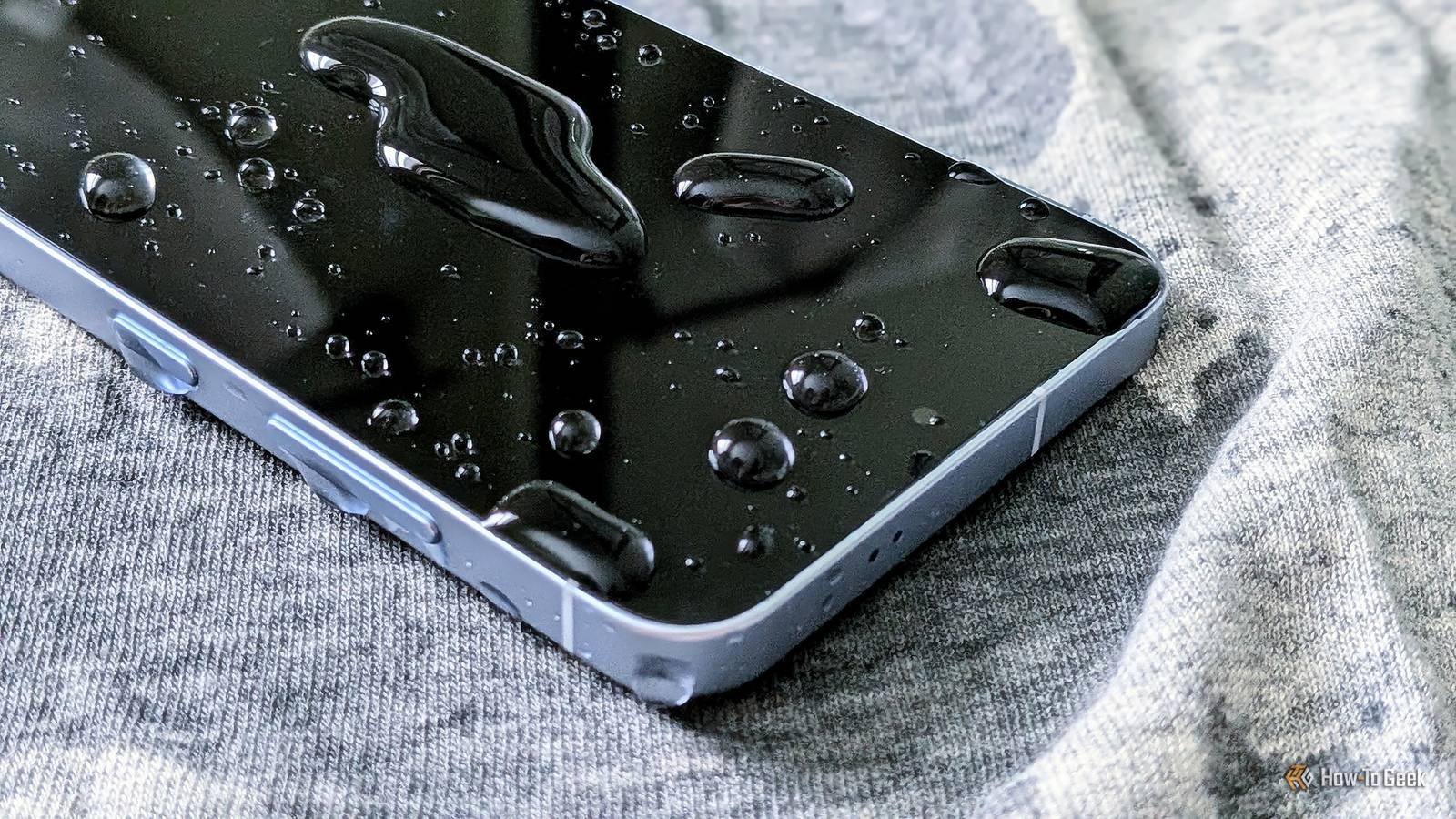
IP68 sounds like a promise. It is closer to a lab result. An IP68 rating means the device was submerged in still, fresh water at a set depth for up to 30 minutes – brand new, at the factory.
Apple states that for current iPhones the rating is tested at a maximum depth of 6 meters for 30 minutes under IEC standard 60529, and then adds the part nobody reads: splash, water, and dust resistance “are not permanent conditions and resistance might decrease as a result of normal wear.”
The rubber gaskets and adhesives that keep water out dry out and degrade. Every drop can create micro-cracks you cannot see. Salt water, chlorinated pool water, soap, sunscreen, and beer are all outside what the rating tests for.
And the warranty almost never covers the outcome – Apple states directly that service for liquid damage is not covered by its one-year limited warranty, and Samsung lists “water (liquid spillage or ingression)” as an excluded cause of loss even on IP68-rated Galaxy phones.
My honest opinion: an IP rating is a pleasant extra cushion for an accidental splash, not a feature you should plan around. A water-resistant phone is not a waterproof phone, and the internal liquid-contact indicator will turn red and settle the argument long before a technician does.
The slow leak: flash storage has a shelf life
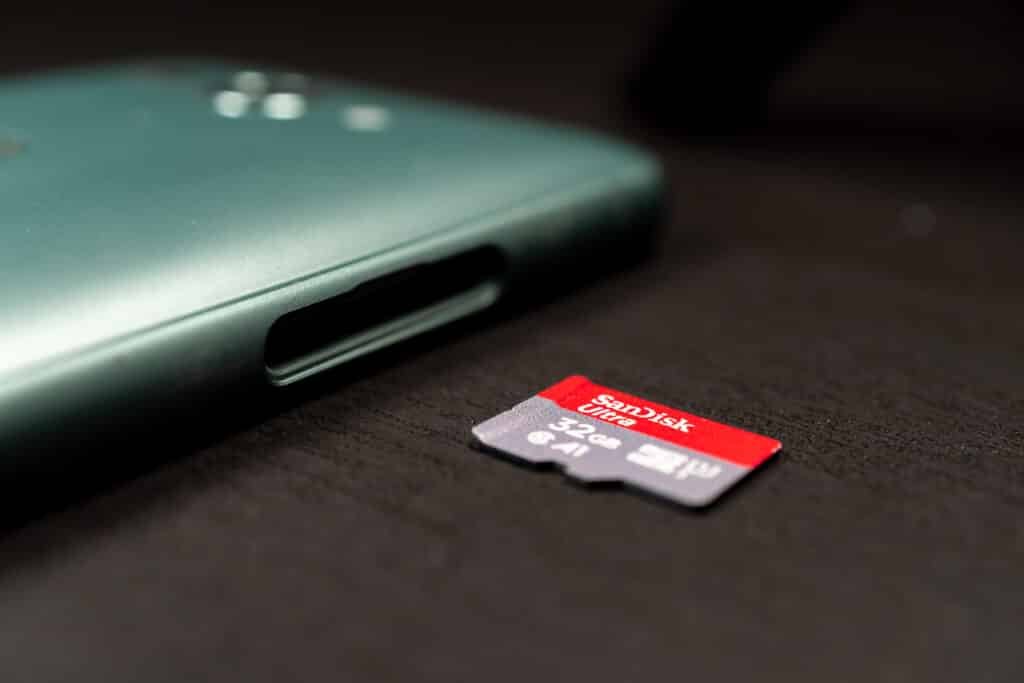
There is a quieter failure mode that almost nobody mentions. The flash memory in your phone and in every microSD card does not hold its charge forever.
Swissbit’s industrial microSD datasheet specifies data retention of 10 years at the beginning of a card’s life, dropping to just 1 year at end of life (at 40°C, per the JEDEC test standards).
A card that has been written to heavily, or a phone that has been full for years, is closer to the end of that curve than you would like.
Endurance varies wildly by brand. A technology enthusiast named Matt Cole has been running one of the most useful independent tests in consumer electronics – writing, verifying, and erasing microSD cards until they fail.
After three years, 351 cards, and 133 petabytes written, the results were reported by Tom’s Hardware in August 2026. Consumer-grade cards averaged around 10,000 write–verify–erase cycles before dying. High-endurance labels did not reliably buy more life.
| Card / grade | Failed / tested | Average cycles survived |
|---|---|---|
| Kingston (consumer) | 3 / 12 | 23,500 |
| PNY (consumer) | 1 / 10 | 15,700 |
| Samsung (consumer) | 3 / 10 | 11,100 |
| Consumer-grade average | – | ~10,000 |
| SanDisk (high-endurance) | 6 / 7 | 16,200 |
| Kingston (industrial) | 2 / 3 | 141,600 |
Source: Matt Cole’s microSD endurance database, three-year results reported by Tom’s Hardware, August 2026. Cycles are program/verify/erase operations under continuous heavy load – more than most users will ever approach, but the relative gaps between cards are the point.
The lesson is not that every card will die next year. It is that a memory card is a consumable, not an archive. Treating a single SD card as the resting place for your only copy of anything is a bet against the physics of NAND flash.
How phones actually disappear

When a phone is lost or stolen, the first thing people grieve is not the device. A 2025 USENIX Security study that interviewed 20 theft victims found that their immediate concern centered on lost photos before it migrated to fears of unauthorized access and identity theft. The hardware is insured and replaceable. The camera roll is not.
The odds of getting a stolen phone back are poor. In the UK, the House of Commons Library reported that an estimated 78,000 phones or bags were snatched from people in the year to March 2024 – about 200 a day, and a 153% increase over the previous year.
Some cities do better on phones that are merely lost rather than stolen: Tokyo’s lost-property system returns smartphones to their owners roughly 83% of the time, largely because finders can identify who they belong to. That is a cultural data point, not a security strategy you can buy.
This is why the lost-phone disaster is really a backup disaster. If your photos exist somewhere other than that device, a theft becomes a hassle instead of a tragedy.
What actually saves your photos
The most reliable framework for this is older than the smartphone and still the best one: the 3-2-1 rule. CISA’s backup guidance spells it out – three copies of your data, on two different types of media, with one copy kept off-site. The modern version, 3-2-1-1-0, adds a copy that is offline or immutable so ransomware cannot reach it, and requires that zero backups go untested
For a phone, that translates into something concrete. Auto-sync your photos to a cloud account (copy one). Periodically pull them onto a computer and an external drive (copy two, different media). Keep that drive unplugged when you are not using it (the air gap). And once a year, actually open the backup and make sure a file will open – an untested backup is a guess, and I have lost count of how many people discover theirs was empty only during a crisis.
I do not trust the advice “just back up your phone” unless it names where the second copy lives and when it happens. Vague intentions do not survive contact with a real emergency. Write the plan down as three sentences and set a recurring calendar reminder. That is the whole trick.
One more number worth knowing: Kaspersky’s March 2026 survey of 7,200 people across 18 countries found that nearly two-thirds store their visual memories on their devices, and 41% keep ID documents and passports there too. As Kaspersky’s Anton Kivva put it, “We often underestimate how much valuable information we keep on our mobile devices.” Your phone is not just a camera roll. It is increasingly a filing cabinet.
What to do when it is already gone

The first rule is to stop using the device. Deleted files are usually marked as available space rather than erased outright, and every new photo, message, or app update can overwrite what you are trying to rescue. If the data is on an SD card, pull it out and put the phone down.
Then work through the built-in options. iPhone and Android both keep a “Recently Deleted” album for about 30 days, and cloud accounts usually have a trash bin with a similar window.
Check those first – they recover more cases than anything else. If you thought a photo was backed up because your phone was, verify which photos were actually included; an iCloud device backup and iCloud Photos are different settings, and turning one on does not necessarily enable the other.
If the built-in tools come up empty and the files genuinely matter, Data recovery software can sometimes pull photos, videos, and documents back from a phone, a card, or a drive before the space gets reused.
Results depend heavily on how much has been written since the loss, which is why the “stop using it” step is not optional. For a drive that is physically dead – clicking, not spinning up, or simply undetectable – or for data worth more than the cost of a recovery lab, professional service is the honest recommendation.
Frequently asked questions
How this article was put together
I based the statistics on the 2025 Handy Recovery Advisor data-loss survey, Backblaze’s 2024 State of the Backup survey conducted by The Harris Poll, Kaspersky’s March 2026 global survey, the UK House of Commons Library briefing of June 2025, and the 2025 USENIX Security study on phone theft victims, and I read Apple’s and Samsung’s own liquid-damage support pages directly rather than relying on summaries.
SD card endurance figures come from Matt Cole’s multi-year database as reported by Tom’s Hardware in August 2026. Where data was self-reported by a single vendor or based on small samples, I have said so. Cloud retention windows change with pricing tiers, so recheck your own plan before relying on them.